AI
28. November 2025
Gemini 3 vs. ChatGPT: How do they differ?
Google has just launched Gemini 3, and the model jumps straight to the top of LM Arena’s user-tested leaderboard. But what does that actually mean in practice? And when should you choose Gemini over ChatGPT—or entirely different AI models?
The launch of Gemini 3 means it is worth geeking out a bit on the AI models, so you do not risk wasting time by using the wrong model for the wrong use case.
In this article, you will get:
- Morningtrain’s recommendations based on customer cases and internal tests.
- An overview of the key differences between Gemini 3 and ChatGPT.
- Practical examples of use cases.
- A consolidated table of alternatives and when they are better or worse.

How does Gemini 3 differ from ChatGPT?
Although both Gemini 3 and ChatGPT rank at the top of general benchmarks, there are clear differences in their strengths. And these differences are crucial in determining which model delivers the most value for your specific tasks.
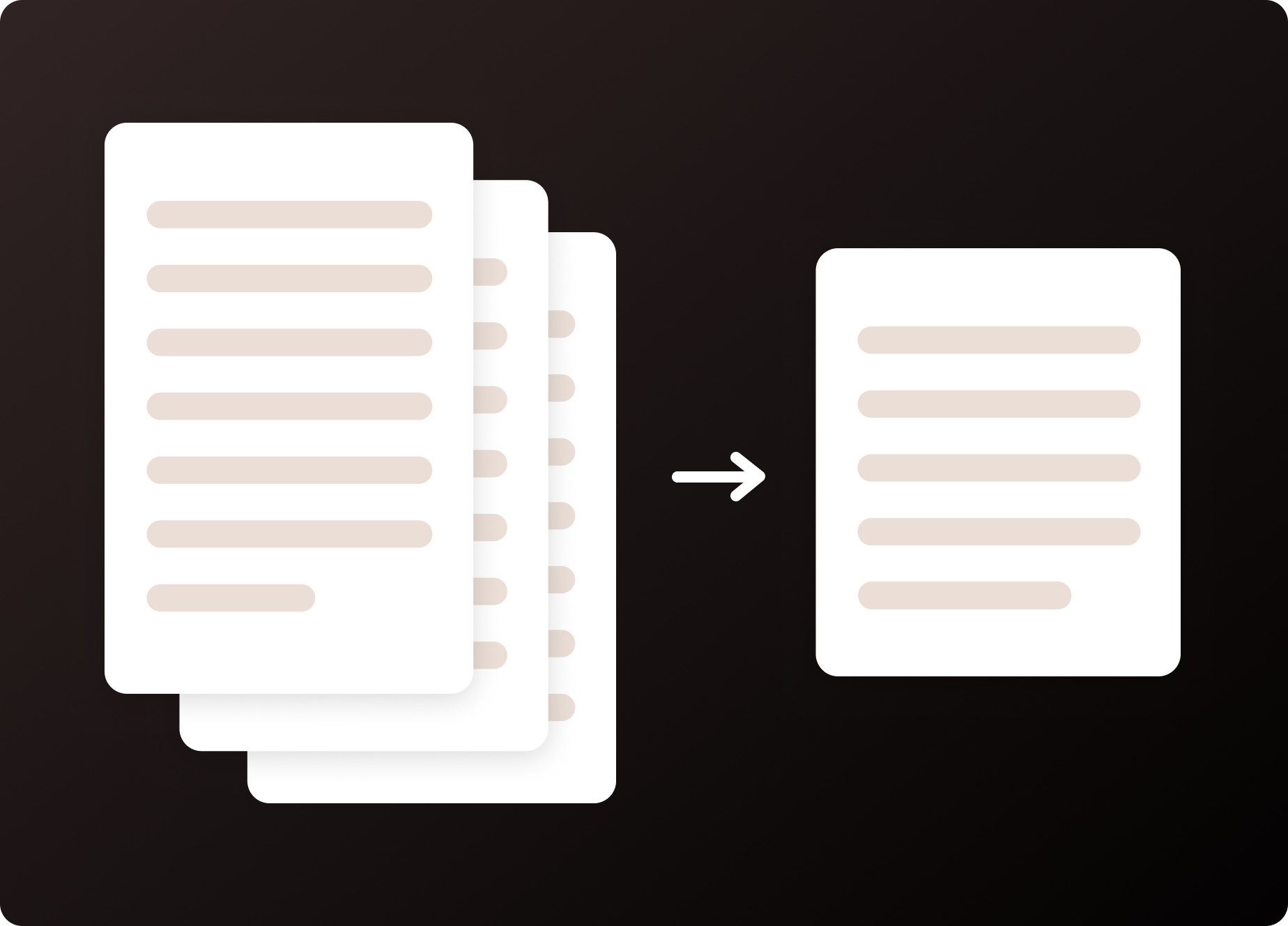
1. Gemini 3 makes it easier to write complex, long-form texts
ChatGPT is strong at text, but Gemini 3 has proven more stable when tasks become long, complex, or involve many different input sources.
In user tests, Gemini 3 is particularly better at:
- Maintaining focus over long passages
- Keeping coherence across multiple inputs
- Minimising repetition and logical “drift”
Practical examples
- Providing structure suggestions for large, complex whitepapers or pitch decks.
- Compile a Word document with product information, campaign copy, and sales arguments—and let Gemini create a coherent first draft for a landing page.
- Provide an internal memo or meeting notes and get a concise version you can share with colleagues.
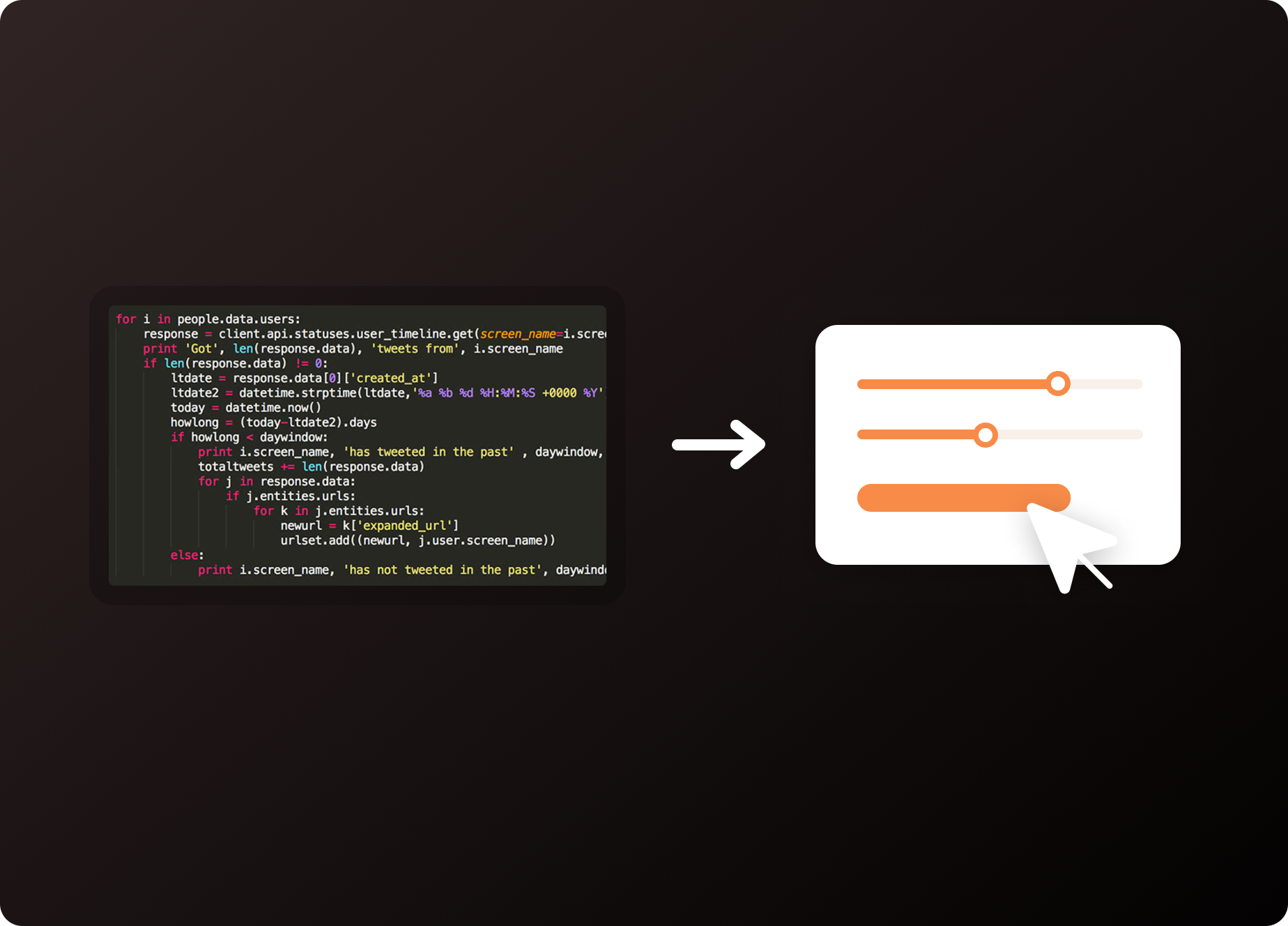
2. Gemini 3 makes it easier to build small interactive elements
Google places a high value on user interaction! Interactive elements such as calculators, guides, or mini tools can improve both UX and SEO.
Gemini 3 ranks #1 in the WebDev category and is exceptionally strong at code.
Practical examples
- Get a prototype for a price calculator based on your own variables.
- Create a step-by-step module, a quiz, or an interactive FAQ for a landing page.
- Get a quick concept for a small feature that a developer can later build properly.
Note: Gemini does not replace the need for a programmer, but it makes the process from idea to testable prototype significantly faster.
3. Gemini 3 provides better insight into visual material
This is where Gemini 3 really pulls away from ChatGPT.
The model is significantly better at interpreting screenshots, dashboards, slides, and graphics. At the same time, it can also point out what works, what is missing, or what is confusing.
Practical examples
- Get a quick analysis of a landing page based on a screenshot.
- Get feedback on slides and graphics before showing them to customers, the board, or the team.
- Upload a GA4 dashboard and have it identify trends, outliers, or errors.
It saves time.
Especially in situations where you would normally sit and stare at graphs for 20 minutes to find the same insights.

4. Gemini 3 makes it easier to visualise ideas early
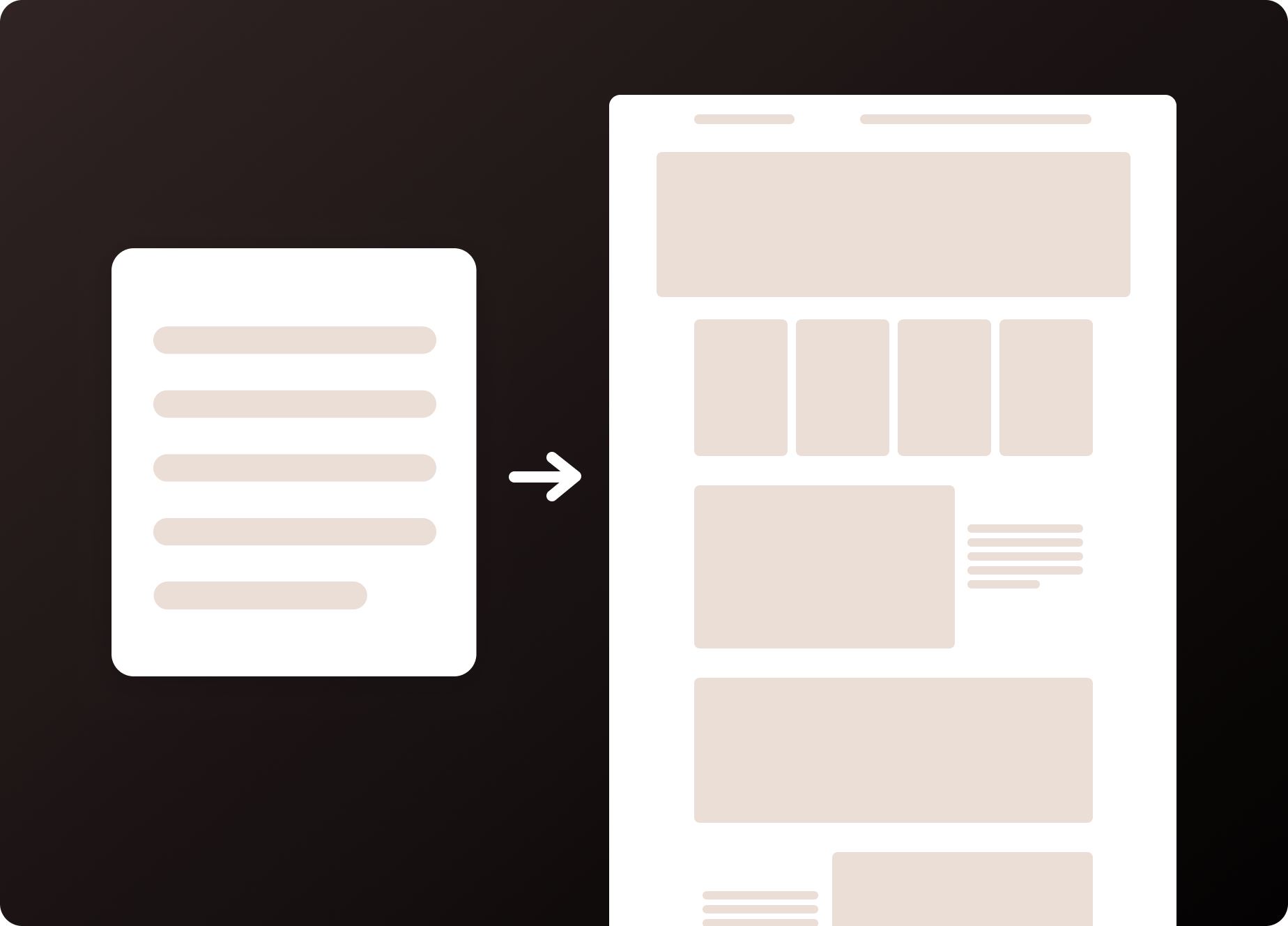
When you need to make an idea concrete before it goes into design, Gemini 3 can translate text into simple visuals better than ChatGPT.
Practical examples
- Create a quick layout proposal for a landing page so everyone is aligned before the design goes into production.
- Get a rough visualisation of a customer journey without drawing it yourself.
- Turn complex messages into simple sketches or diagrams.
Gemini is not a full design tool—but an effective tool for early conceptualisation.
5. Gemini 3 makes it easier to test image variants
Gemini 3 also tops the charts in image editing, especially when it comes to variations of existing images.
Practical examples
- Test small variations of campaign images (colours, cropping, elements).
- Remove or add objects in an image without having to open Photoshop.
- Adapt images for different channels in a single workflow.
This enables a faster ideation phase and more efficient A/B testing before you move to final production.

Alternatives to Gemini 3—when does it make sense to choose something else?
Although Gemini 3 is strong, it is not necessarily the best choice for everything. Other models have their own advantages, especially in creativity, language feel, and pure text quality.
Here is a quick overview:
| Model | Best for | Less suitable for | When should you choose it? |
|---|---|---|---|
| Gemini 3 (Google) | Images, dashboards, code, web dev, visualisations, complex input | Creative writing, tone recognition | When you work visually, technically, or with complex datasets |
| ChatGPT 5.1 (OpenAI) | Creative text, tone, dialogue, clarity | Images, web code, multimodal tasks | When you need language quality, tone of voice, content, or ideation |
| Claude 3.7 (Anthropic) | Long-form text, legal/analytical precision, context retention | Images, code | When the task requires highly structured, accurate text and long context |
| Llama 3.1 (Meta) | Private hosting, customisation, low costs | Multimodality, complex image understanding | When you want full control of your model in-house |
What do we recommend?
We use all major models daily—both in client work and in our internal AI setup.
Our current recommendations:
- For text: ChatGPT 5.1 or Claude 3.7
- For visual input, code, and interactive elements: Gemini 3
- For internal AI automation within the company: Llama 3.1 or Mistral (open source)
- For pitches, presentations, and concept development: Gemini 3
In practice, most companies end up using 2–3 models because they complement each other.

Written by






Do not hesitate – we are always ready for a chat
Let’s have a chat about your digital project
Let’s go into detail so we can find solutions together that match your needs.