Data insights
26. January 2025
Cookie consent best practice: the impact of banner position on the opt-in rate
In this post, I will not go into detail about what cookies are or how to implement cookie consent. Instead, I will focus on the impact cookie consent has on the data you collect on your website, and what you can do to get more users to accept cookies and improve your data.

A lot has happened on the cookie front over the past two years, and it is now crystal clear that all websites must have a cookie consent banner and comply with the rules for GDPR compliance.
It is expected that websites and services are transparent about their data collection practices and provide clear, concise information about the types of cookies they use, what the collected data is used for, and last but not least, give users the option to accept or reject cookies that collect data.
If they do not, they may lose the right to use services such as Google Ads and ultimately face fines.
Data loss due to cookie consent
When we implemented cookie consent on morningtrain.dk, traffic immediately dropped by ~40%. Of course, we did not lose ~40% of our visitors, but we lost 40% of our data in Google Analytics. That is quite significant for a business that depends on careful lead tracking and uses those insights to guide our marketing strategy.
Since both the EU and Google now insist that all websites—regardless of what data they collect—must be GDPR-compliant, there is no point in trying to avoid setting up cookie consent. We therefore had to find other ways to improve our data collection.
The only possible way to do that was to get more users to accept cookies, so that we could continue collecting statistical marketing data.
What you should not do with the consent banner
The rules for being GDPR-compliant are strict and quite clear:
- It is not permitted to ‘nudge’ the user into giving consent. So having a green “Accept all cookies” button and a red “Reject” is not acceptable.
- It is not permitted for options to be pre-selected (for example, with a checkbox that is already ticked).
- The user must have the option to choose between Accept, Reject, and optional necessary cookies. It is not permitted merely to inform the user that cookies are used if he/she chooses to use the site.
So if we are not allowed to experiment with button colours, and we are more or less locked into the content shown in the cookie consent banner, what is left for us to try?
Well, there is still the placement of the banner.
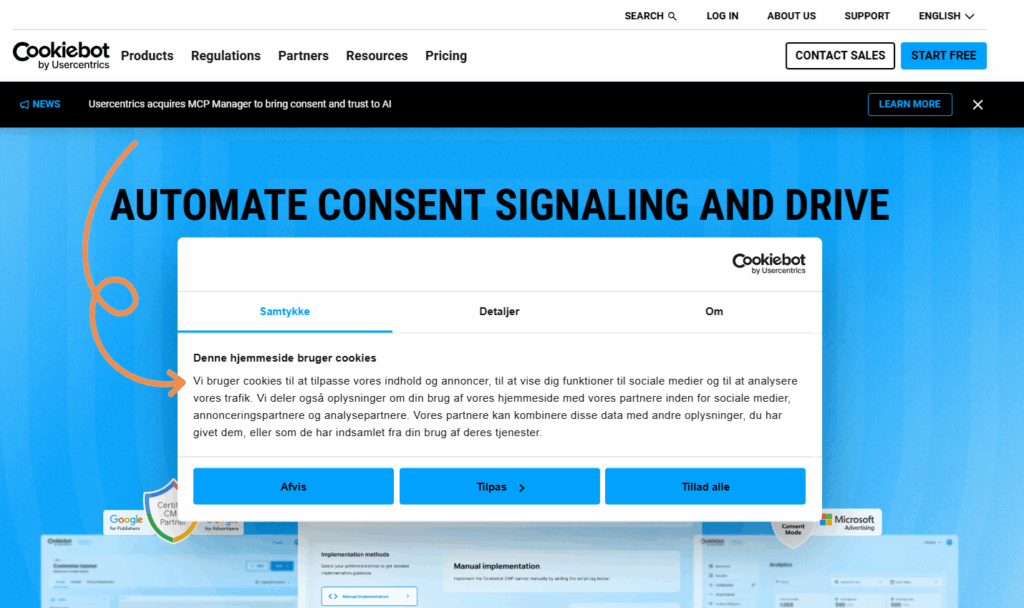
Can the placement of the cookie consent banner really affect the opt-in rate?
Of course the placement of the cookie banner affects the opt-in rate. Users are more likely to notice a consent banner that is placed in a more prominent position on the website.
They will also be less likely to notice it or spend time reading it if it blends into the page design or is placed “out of the way”, such as right at the top of the page.
Conclusion: Bottom placement is best
A study examining cookie implementations in the EU showed that 64.6% of websites place their cookie banner at the bottom of the screen, 27.2% place it at the top, and only 7.8% place it in the middle. The same study also concluded that the opt-in rate is highest when the banner is placed at the bottom.
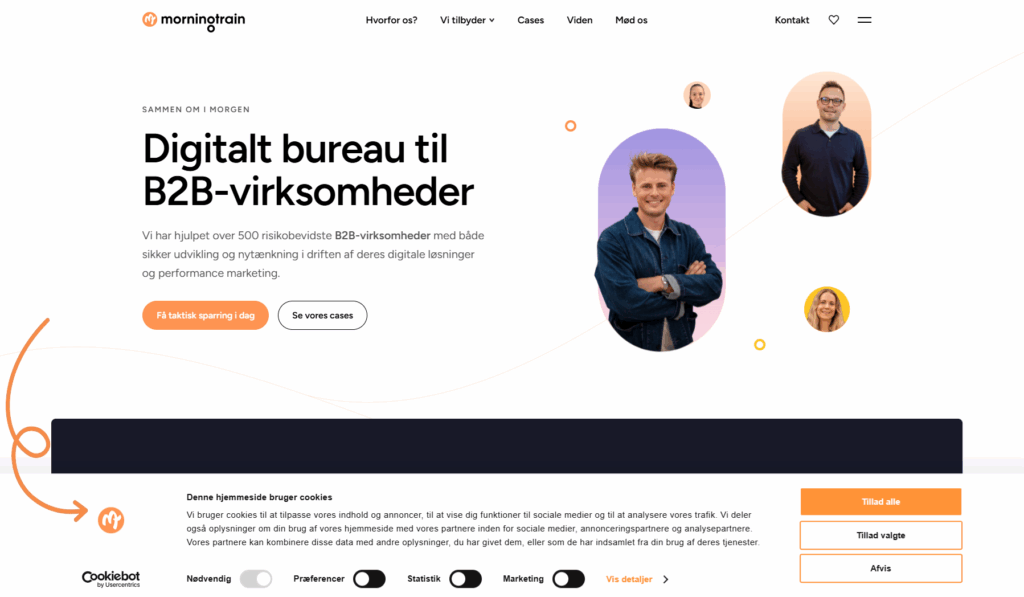
The idea is that placing the banner at the bottom is more likely to cover some of the page content and thereby prompts the user to take action, whereas cookie banners placed at the top are easier to ignore (ignore, not overlook—an important difference).
However, just because users are more likely to take action does not necessarily mean they accept cookies. Ignoring and rejecting have the same effect, as cookies do not start collecting data until the user consents.
So if we go with the latter idea (that users get annoyed that page content is covered and therefore are “forced” to act, from a somewhat negative perspective), can we “prompt” the customer more by using a full-screen cookie pop-up? And how would that affect the opt-in rate?
We set up our own experiment to find out 😊
The experiment
The experiment was set up with Cookiebot. Cookiebot has a log for each user interaction with the cookie consent, which can be downloaded from their website.
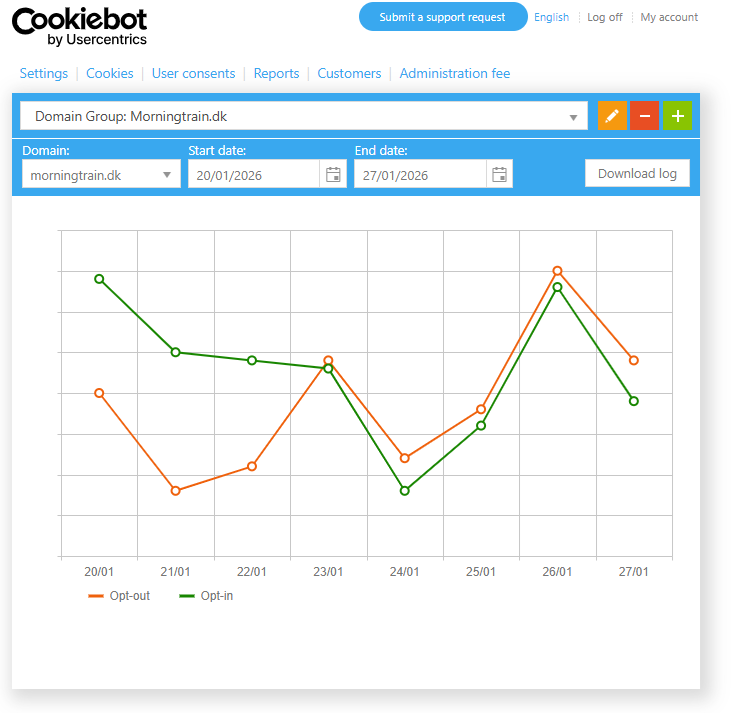
We started with our cookie consent as an overlay window (centred, with the rest of the screen darkened) for 2.5 months, followed by 2.5 months with a consent banner at the bottom of the screen.
We set up the same experiment (over a two-month period, however) on several of our B2B clients’ websites to see whether there were significant variations.
Why only B2B clients, you might ask? B2B companies often have a high number of visitors from other companies.
These visitors are very likely using a desktop device (Cookiebot uses different layouts based on device) and are more likely to use whatever browser their IT department has set up for them (most likely without any kind of ad blocker or automatic cookie-rejection browser extensions).
This helps us obtain data that is better and easier to compare across different niches.
Our assumption was that the banner at the bottom was easier to ignore compared to a full-screen pop-up, which prevents the user from seeing the page content. The expected result was therefore that there would be more cookie opt-ins simply because users had to make an active choice.
The Result
Five months later, we had our results.
Placing the cookie consent banner at the bottom resulted in 7.7% more opt-ins compared to a window placed in the middle with a dark overlay.
The Result
The banner at the bottom also resulted in 18.3% fewer users rejecting cookies compared to the window in the middle.
Furthermore, there were also fewer users making adjustments regarding which cookies should be accepted or rejected.
We also saw similar results on the other websites where the experiment was conducted. The opt-in rate increased by 5–9%.
The insights
The results clearly show that the cookie banner’s position has a direct impact on the opt-in rate.
However, not the impact we had imagined.
I must admit it made us scratch our heads a bit, and it led to a lot of discussion about why the banner at the bottom performed better.
The banner at the bottom is more subtle, and users can complete the interaction they came for without having to make a choice about cookies, which also makes them more likely to dismiss the banner by accepting cookies without thinking too much about it.
The conclusion, therefore, is that if you force users to make a choice with, for example, a full-screen overlay, the likelihood that they will reject or choose only necessary cookies is higher, as users prefer to avoid making an important decision.