Digitalization
19. May 2025
New EU requirements for digital accessibility (WCAG)
From June 28, 2025, many companies in the EU must comply with new rules on digital accessibility. These rules are not just for show—they are the law. And they may lead to sanctions if you ignore them. The rules concern how accessible and user-friendly your website is for people who, for example, have a visual…
Content
What is WCAG Who does it apply to? The background to the requirements Check your site here The check listBut what is WCAG? What do the rules actually cover? Do they apply to you? And how do you find out whether your website complies?
Let us walk you through the essentials without technical jargon and with practical advice you can actually use.
What is WCAG and why should I know about it?
WCAG stands for Web Content Accessibility Guidelines. These are the international guidelines that help you build websites and apps that are accessible to everyone.
In short, it is about:
- Ensuring screen readers can read your content aloud
- Ensuring your site can be used without a mouse
- Ensuring colours, contrast, and structure do not create barriers for anyone
It may sound like something that only applies to a small audience. But the fact is that when you build accessibly, you create a better user experience for everyone.
Does it also apply to you and your business?
If your business sells products or services online, the answer is most likely: yes.
This applies especially to:
- Webshops and e-commerce platforms
- Banks and financial services
- Ticketing and transport solutions
- Streaming and media platforms
- Consumer software and apps
👉 However, there is one exception: Small businesses with fewer than 10 employees and less than €2 million in annual turnover may be exempt but only if they only sell services.
It is not just about legislation it is about people
At its core, this is not about legal clauses and inspections. It is about creating digital solutions that everyone can use including people with visual, hearing, or motor challenges.
Behind the requirements is the EU’s European Accessibility Act, and here in Denmark it is the Danish Agency for Digital Government that monitors whether the rules are being followed.
And do not worry we have made it easy for you to get an overview.
🔥How to check your site without being a developer?
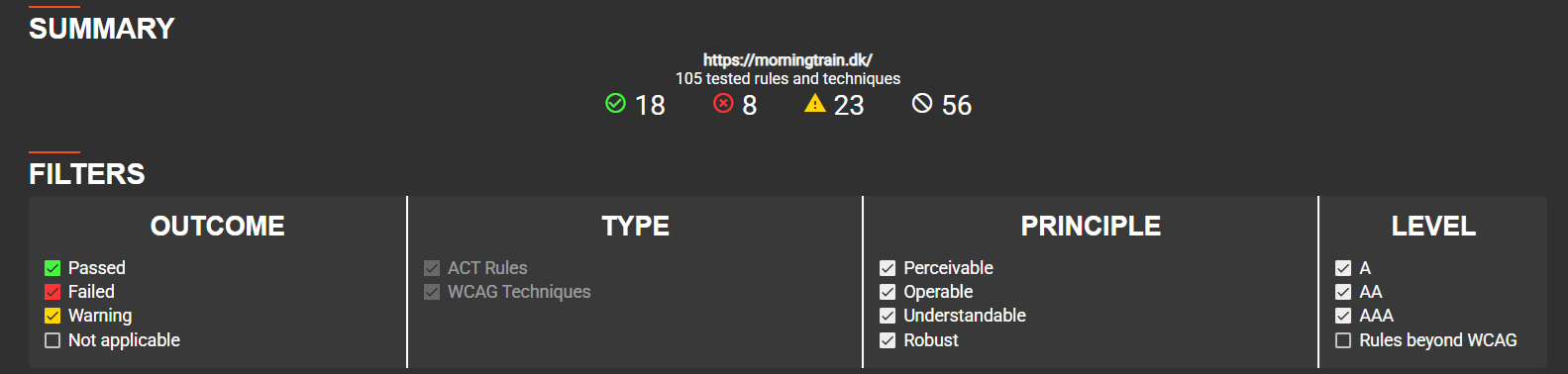
You do not need to involve your tech team to get a quick overview. Use the free tool QualWeb online evaluator. It gives you a status on how well your website complies with WCAG.
We have also created an easy guide on how to use the tool you can find it here.
6 quick checks you can do today
Want to get started right away? Here are six specific things you (or your agency) can review immediately:
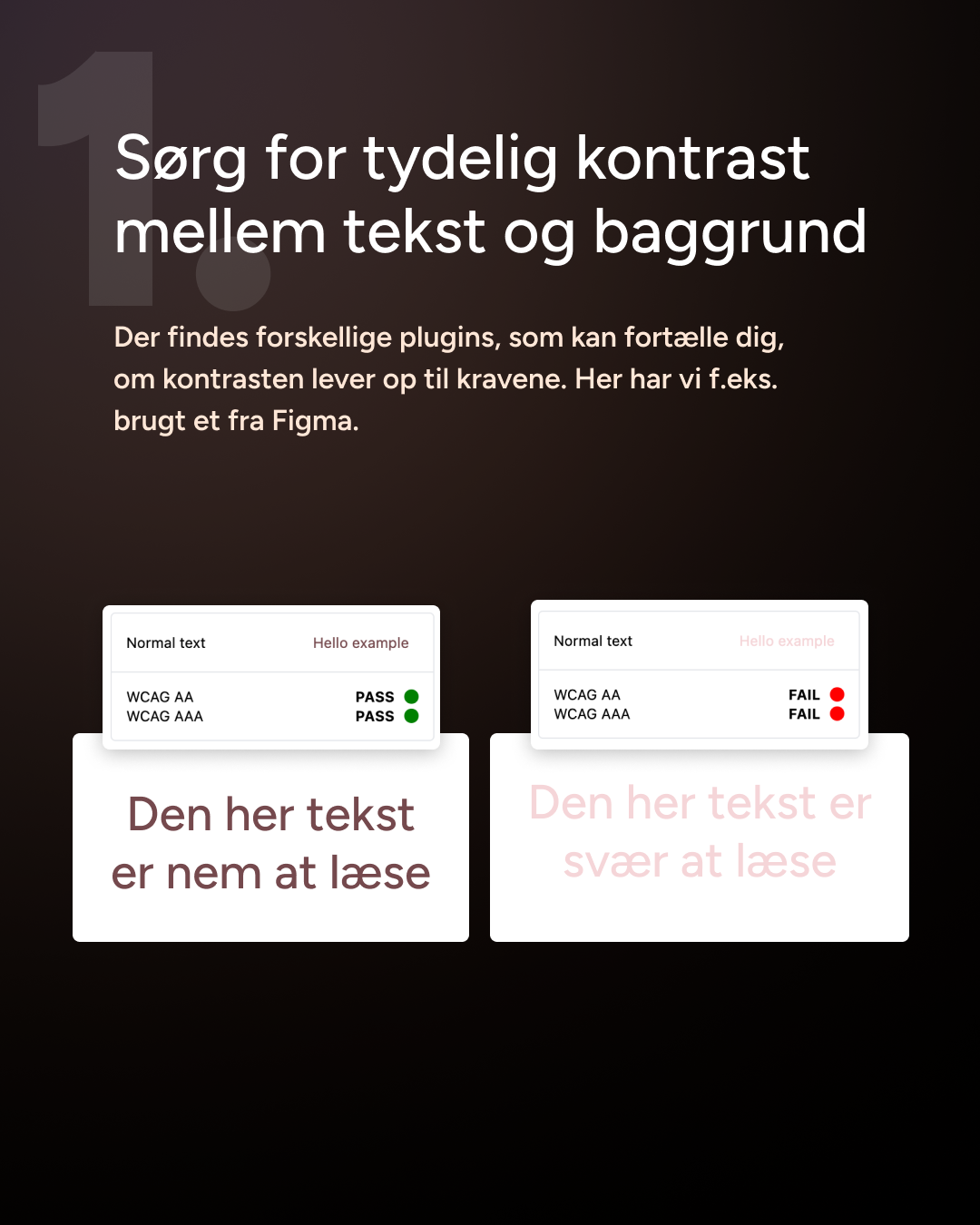
1. Check the contrast
Make sure there is clear contrast between text and background. Low contrast = low readability, especially for people with reduced vision.
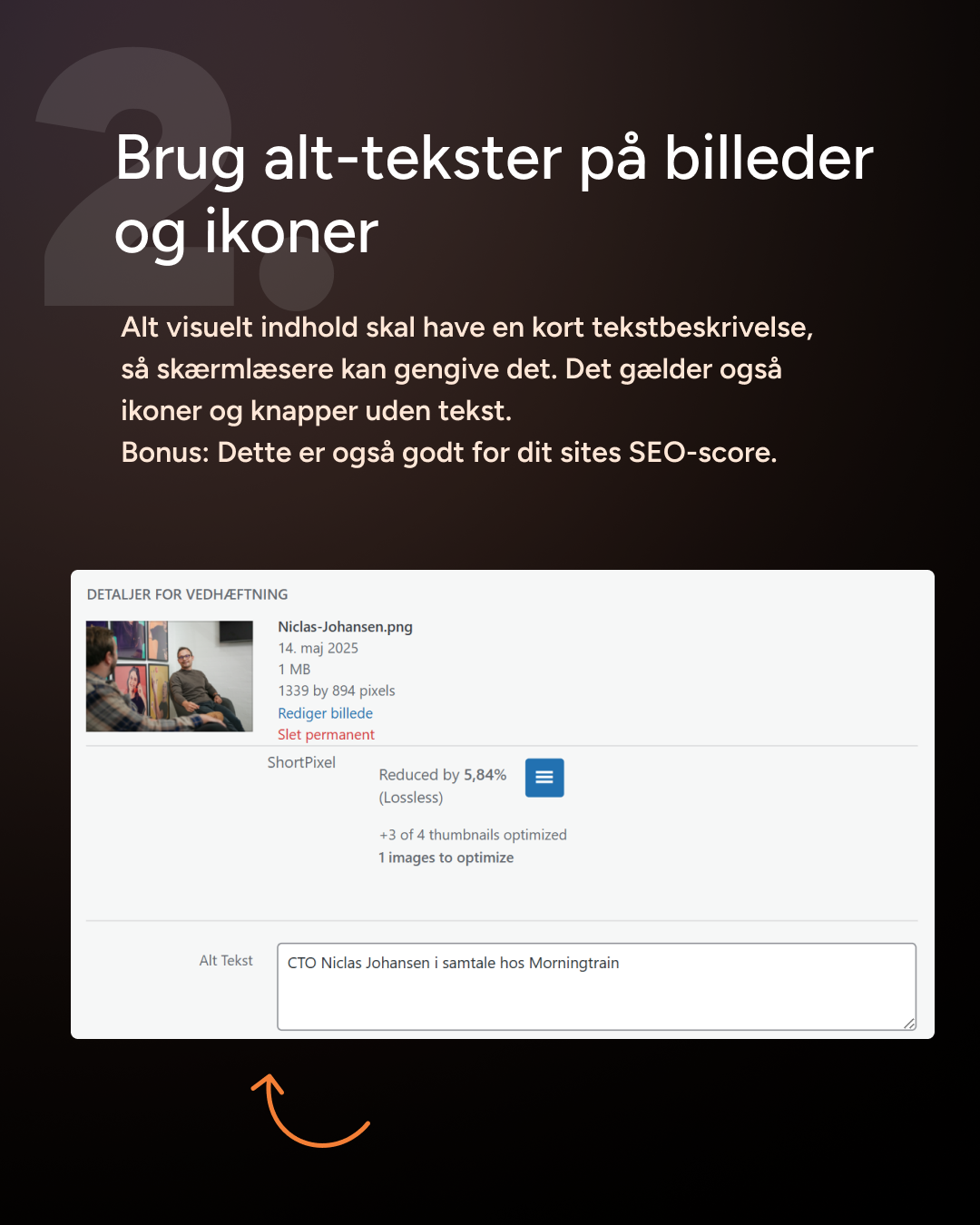
2. Use alt text for images and icons
All non-text content must have a description. This applies to both images and small icons. Good for both accessibility and SEO.
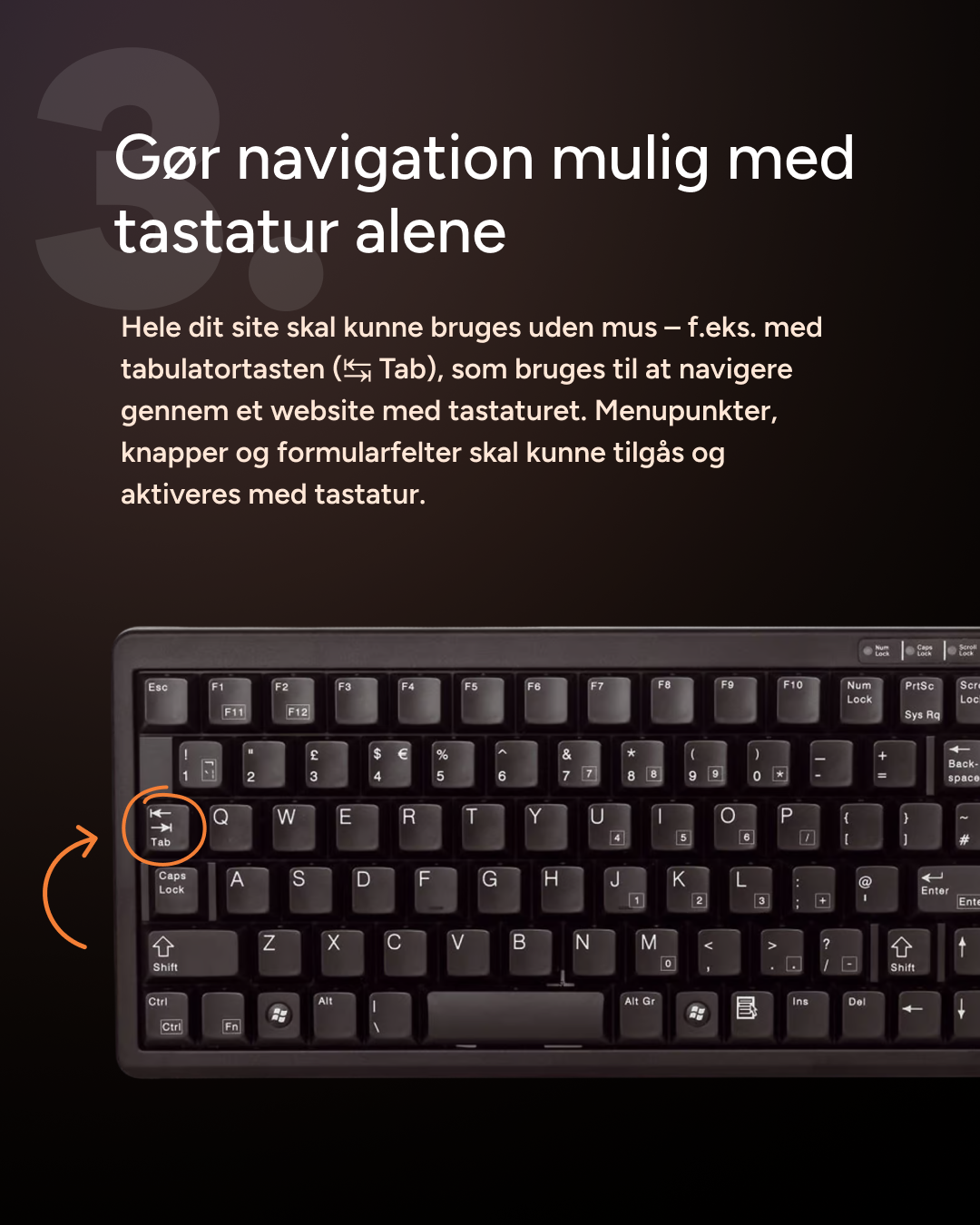
3. Enable keyboard navigation
Can your site be used without a mouse? If not, there is room for improvement. Use the Tab key and test it yourself.
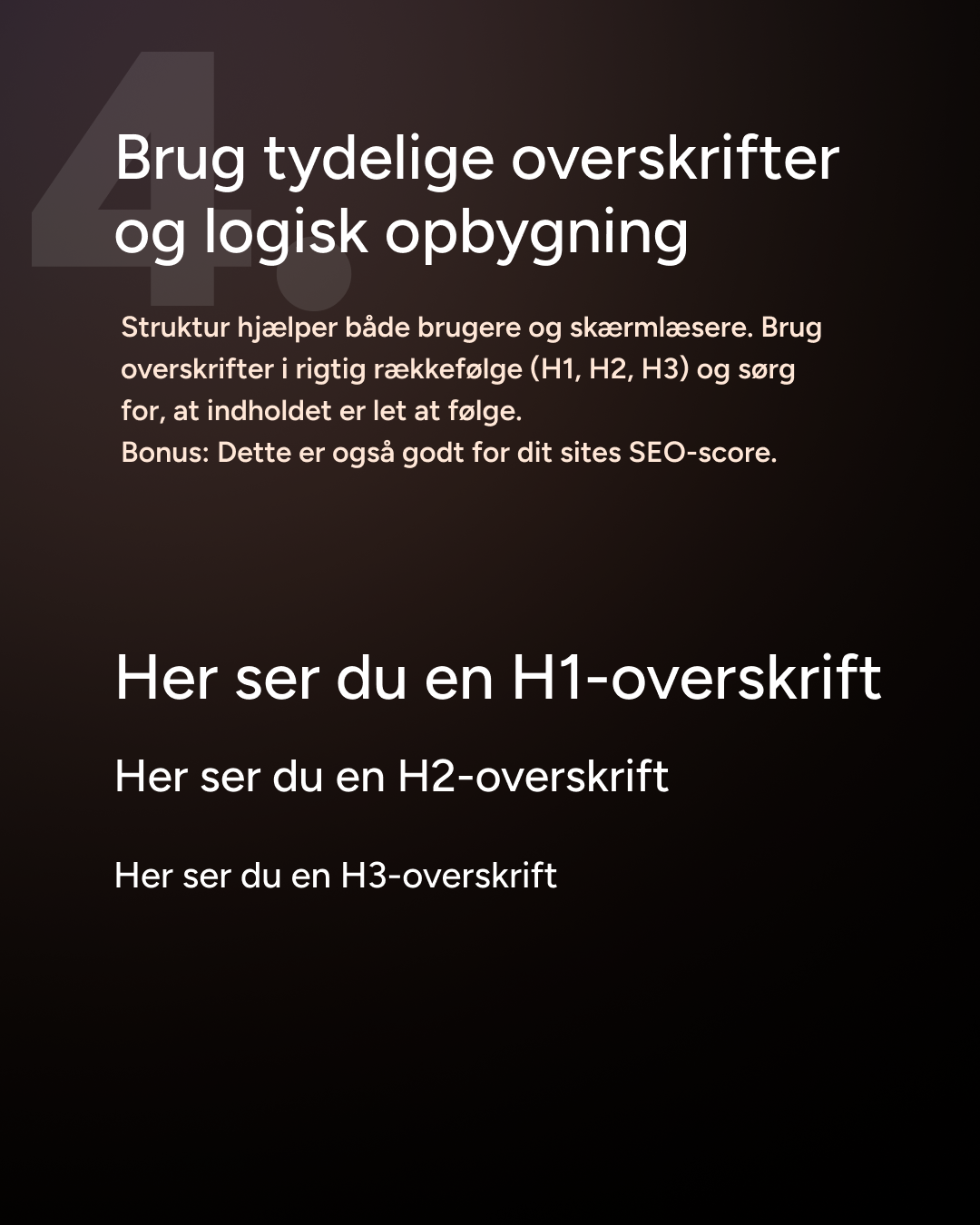
4. Use headings in the correct order
H1, H2, H3 it is not just for looks; it also provides structure. For both people and screen readers. And again: SEO benefits too.
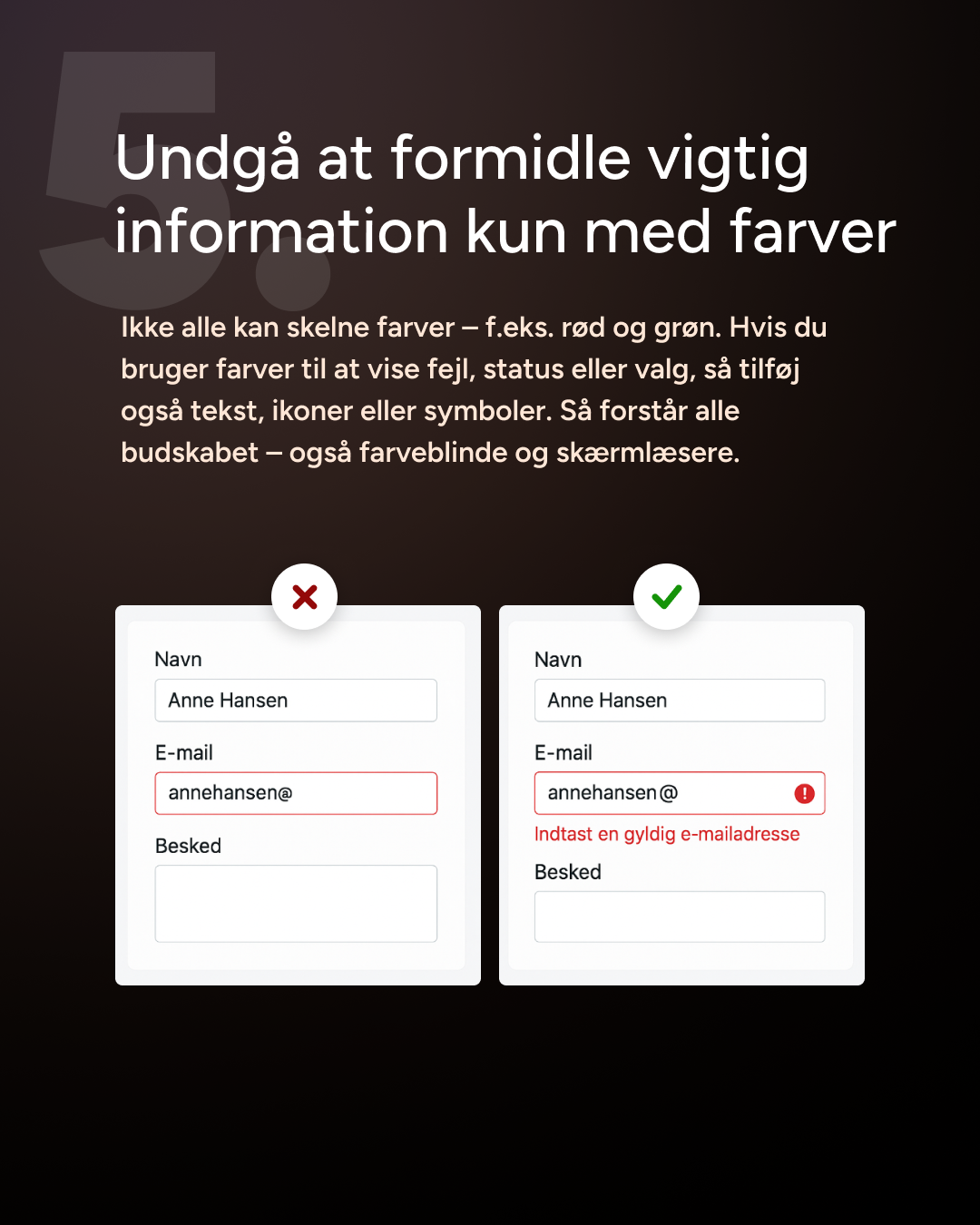
5. Do not rely on colour alone to convey important information
“The red error message” does not work if you cannot see the colour red. Use text, icons, or symbols as well.
6. Test your site with a screen reader and on mobile
You do not need to be an expert. Use, for example, VoiceOver (iOS) or NVDA (Windows) and experience it for yourself. This is often where you discover the biggest barriers.