Lead generation
14. September 2023
Track companies’ activity on your website with Leadfeeder
Leadfeeder is particularly relevant for companies with a proactive sales department that wants to proactively generate more leads to work on. Naturally, it is only relevant for B2B companies, as it only identifies companies.
What is Leadfeeder?
Leadfeeder is a tool that enables companies to track and identify which companies the website visitors work for.
It does this by scanning the IP addresses of all users on your site and matching them against a business database.
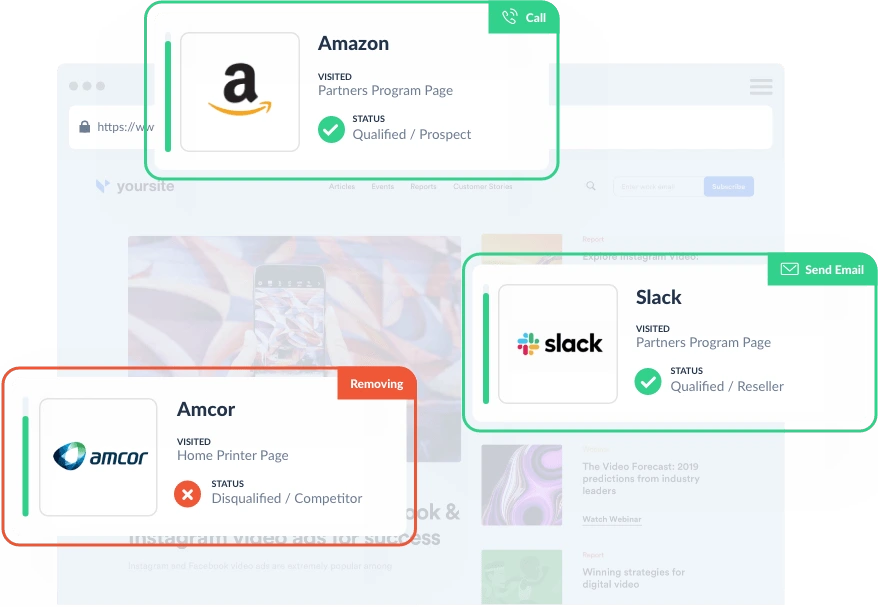
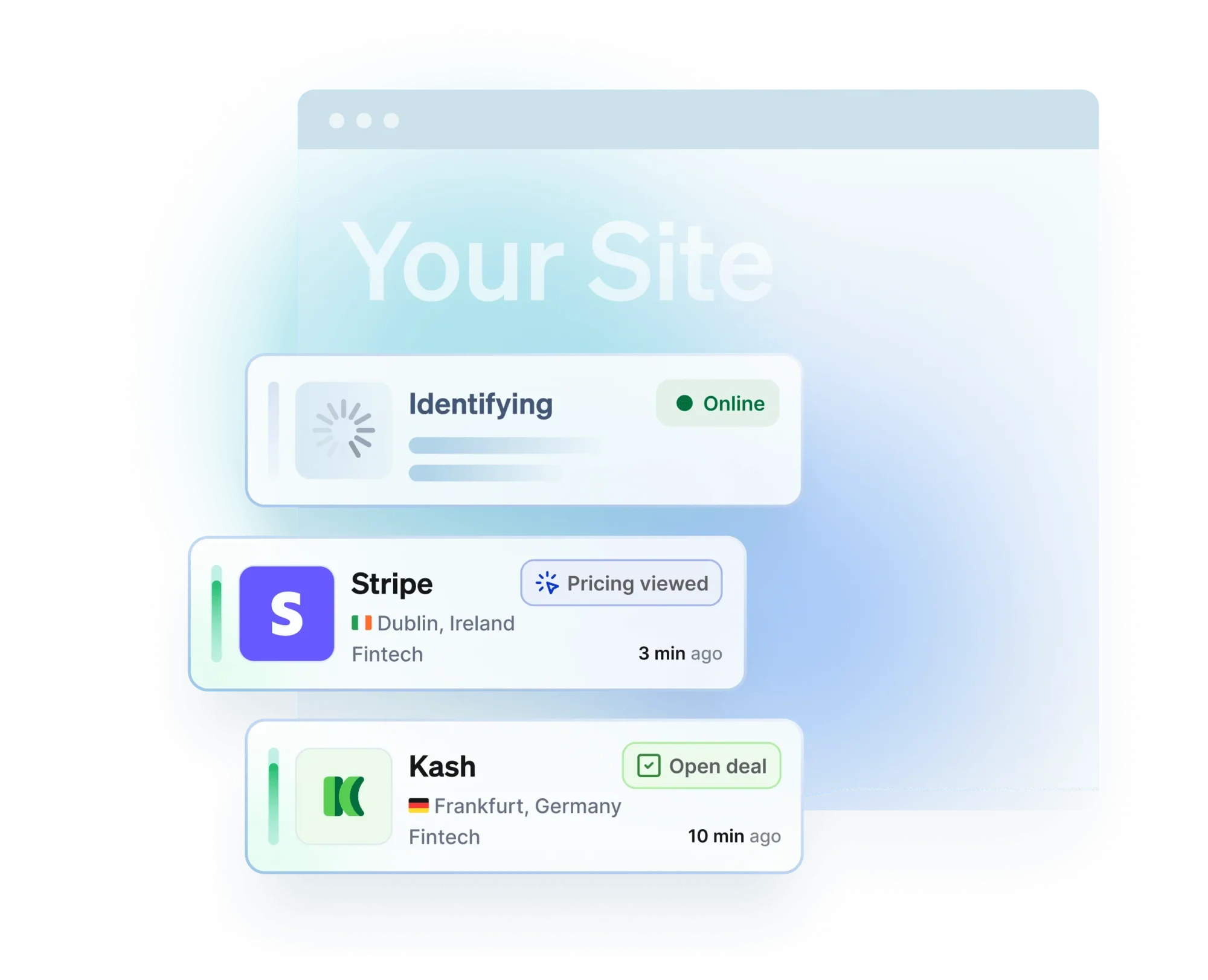
Leadfeeder can then tell you which companies visit your site, which pages they view, and how long they stay.
What can you use the data for?
Leadfeeder provides valuable information you can use to optimise your sales process and increase your conversion rate.
Below are some ideas for how you can use the data from Leadfeeder:
Identify interested companies
By using data from Leadfeeder, you can see which companies have actually shown interest in your brand. This enables you to reach out to these companies and offer them your products or services.
Integrate the data into Google Analytics 4
By importing data from Leadfeeder into Google Analytics 4, you can prioritise and compare channels.
This helps you understand which channels are most effective at generating visits from the right companies.
Optimise your ads
By seeing in Leadfeeder which campaigns or ad groups have delivered visitors from specific companies, you can identify which ads are most effective.
This is particularly useful if you only receive a few leads each month.
Target your ads on LinkedIn
Leadfeeder enables you to export a list of the companies that have visited your website.
You can upload this email list to LinkedIn and use it to target your ads on LinkedIn and reach the companies that have already shown interest in your brand.
This is a golden opportunity to sharpen your LinkedIn campaign efforts.
Identifying potential website optimisations
You can use the information Leadfeeder provides to optimise your website’s content and structure.
For example, you can see:
- If there is a specific industry where you get visits from many interesting companies, you should consider catering more to them for example, by adding a filter on your cases for their industry, creating an industry page where you explain how you solve challenges in that specific industry, etc.
- What type of content interesting companies are interested in. For example, is it your cases, news, or something else entirely? If so, these should be more prominent on the website.
- What journey the visitors have been on.
- Whether there are any dead ends on your website where multiple visitors get stuck.
Recommended tools and their differences
There are several tools available that can help you track and identify visitors on your site. Two of the most popular are Leadfeeder, VisitorQue and Leadinfo. Here is a comparison of the two tools.
| Tool | Leadfeeder | Visitor Queue | LeadInfo |
| Data team | Large | Smaller | Large |
| Pricing | From 1,040 DKK/month | From 260 DKK/month | From 515 DKK/month |
| Free trial | No | Yes | Yes |
Leadfeeder has a large data team that ensures the best possible overview of your visitors. However, it is also more expensive than Visitor Queue.
Visitor Queue has a smaller data team, but the tool is more than 3 times cheaper and more willing to offer free trial periods.
Regardless of which tool you choose, you will be able to keep track of which companies visit your site and which pages they view.
You can also filter the data by industry, traffic channel, campaign, etc. Both tools enable you to export the data and integrate it into your sales process.
There is a fairly intuitive guide for setting up both tools, but if you are struggling with the setup, we at Morningtrain can handle it for the modest sum of DKK 3,500 – as a one-time payment, and then the software will simply work (licence not included, of course).