

Digitalization
25. November 2022
Considerations you should make for a new website
Very few people actually “only” need an online business card. Most use a website as part of a strategy, as a marketing tool, or to support their business in some other way. A B2B website is most often part of the company’s lead generation.
Content
What is your goal Functionality Page types Responsiveness User friendly backend Choice of CMS IntegrationsBefore you invest in a new website, you should consider a number of things.
So do yourself a favour and do your homework before you dive headfirst into a website project.
What do you want to achieve with a new website?
The very first thing you need to clarify is: what do you want to achieve with this investment?
- A visual upgrade?
- Rebranding?
- More leads?
- A stronger SEO foundation?
- Consolidating multiple brands?
- Reducing administrative maintenance?
- etc.
“What you want from a new website” should be your “North Star” that you use to navigate your decisions.
Every time you reach a crossroads both when choosing a supplier and throughout the project you should think: “What brings me closer to what I wanted to achieve?” and then make decisions based on the answer.
That way, you ensure you remember the underlying reason you went to market for a new website. Buying a website is ALWAYS a symptom of something else, and the most common mistake I see is not digging into what is behind the need so you end up with a solution that does not meet your needs at all.
Make it measurable, if possible
The icing on the cake is if you can define one or more metrics or milestones that can help you track whether you are getting closer to what you wanted to achieve. At Morningtrain, we call this “impact goals”.
What functionality should the website have?
Get an overview of which functionalities your current website already has, and which ones it specifically lacks.
Common features include, for example:
- Integrations with external systems
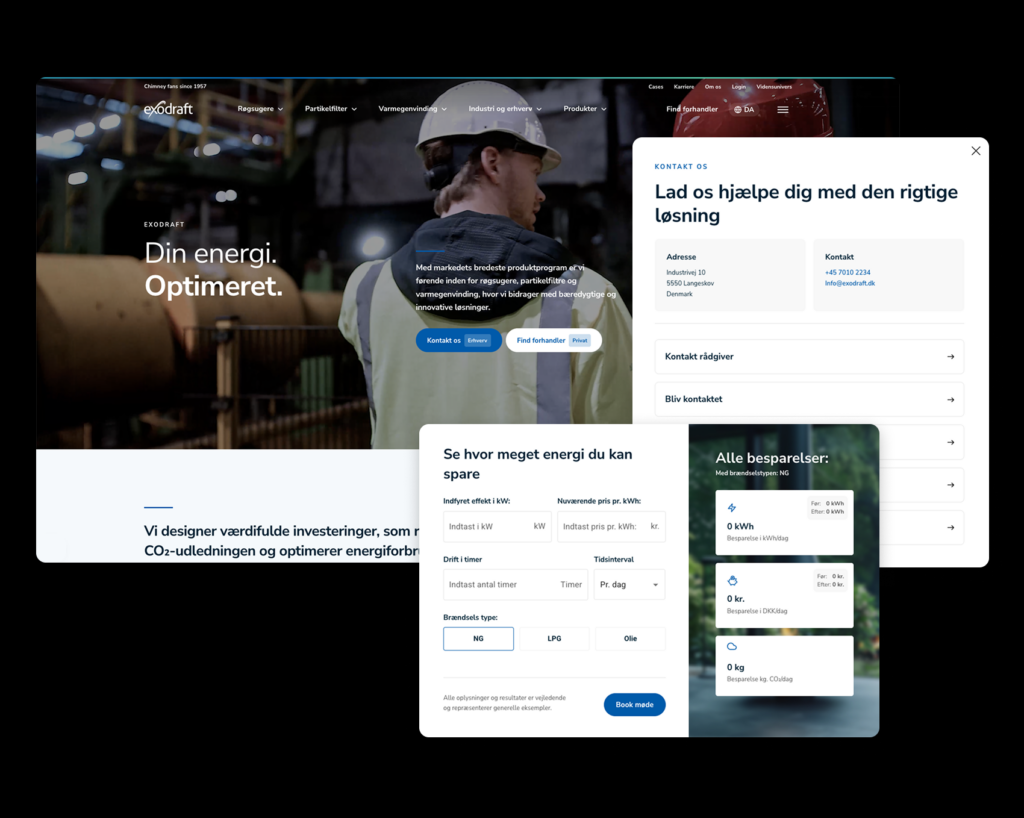
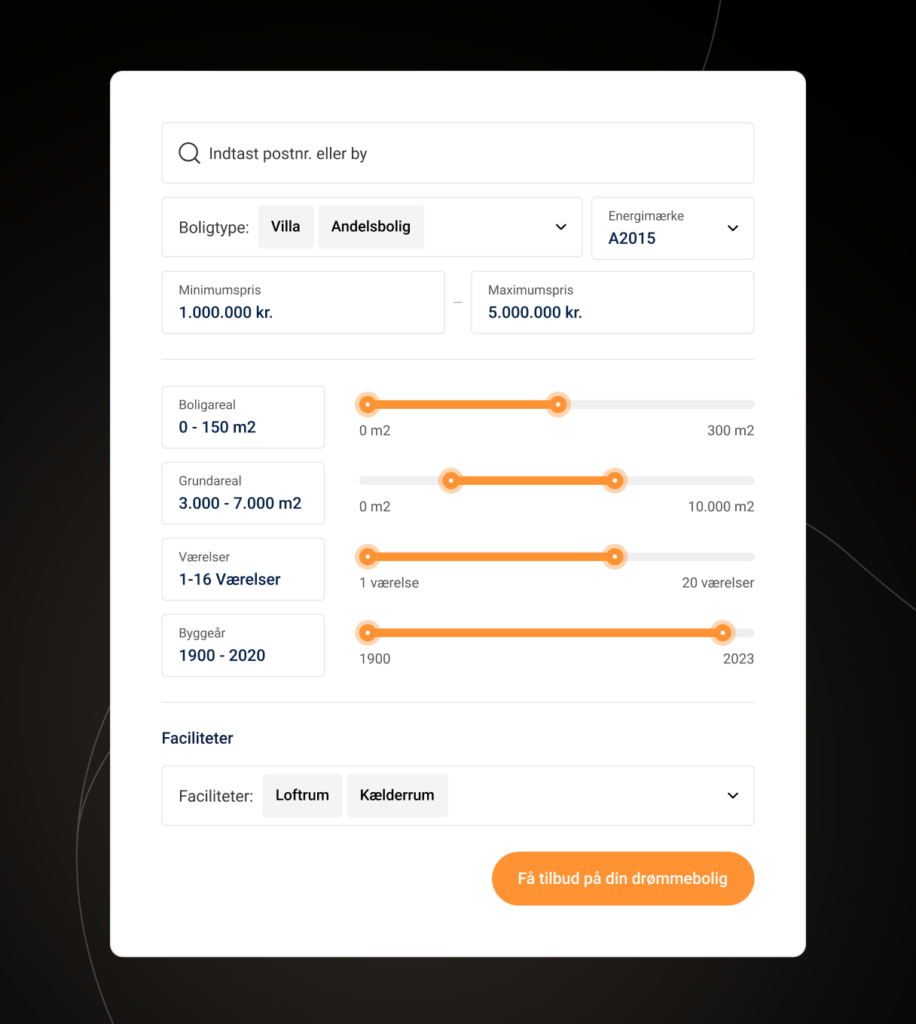
- A price calculator
- Dynamic content
- Unique mobile views
- Central management of repetitive content
- Custom editor options in the backend
- And much more…
The website budget primarily depends on “what it can do” = functionality, and “what it looks like” = the number of unique page types.
Another reason you should consider these things when buying a new website is that it is a unique opportunity to elevate your website from an online business card to a tool that supports the company’s strategic focus and direction.
Which page types do you need?
The number of unique page types your new website needs is crucial not only for the budget, but also for the work involved in maintaining your site.
So you need to ensure the right balance between having enough different elements to build compelling landing pages, without each page being so different that it confuses visitors or becomes too cumbersome for you to maintain. That can be the consequence of having too many elements that you need to remember how to set up correctly.
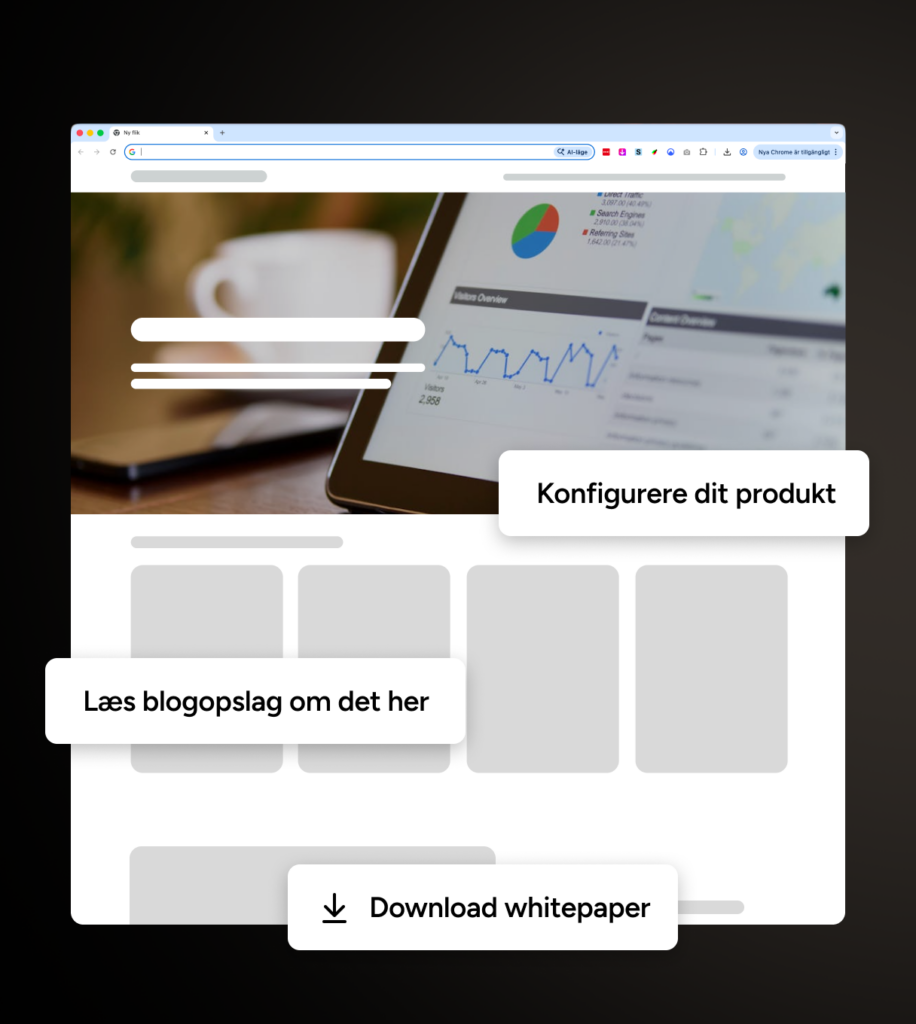
Most informational websites get a long way by starting with designing the following 7 page types.
We use https://unik.dk/ as an example.
- The homepage (BY FAR THE MOST IMPORTANT) – https://unik.dk/
- A product or service category page – https://unik.dk/vores-loesninger/
- A product or service page – https://unik.dk/advosys/
- An About Us page – https://unik.dk/om-unik/
- A contact page – https://unik.dk/kontakt/
- A blog overview – https://unik.dk/nyheder/
- A blog post page – https://unik.dk/skifteportal-integration/
Do you have a unique visual identity?
I might as well say it as it is: if you want a unique visual identity, you will not fit into a template solution or an off-the-shelf theme.
Then you need to invest the extra time and budget in a solution that truly supports your identity.
How responsive does the website need to be?
All websites developed from 2020 onwards should be responsive. But as Einstein said: “responsiveness is relative” or something along those lines. 😉
The point is that a developer has to manually build a responsive design for each screen size you want to optimise for.
So if you want the best responsive experience across all screen sizes, a developer would have to code experiences for 20+ screen sizes = it gets expensive.
Alternatively, you select the 2–3 screen sizes your visitors primarily use and adapt the site responsively for those. That way, you get the best experience for the majority of visitors within a budget.

Plan for a user-friendly backend
Since you are getting a website anyway, it would be a good idea to focus 15–20% of the effort on building a backend that makes your lives easier.
Tell me if the following sounds familiar:
You are a small marketing team (maybe a one-person band) with your 37 hours stretched to the limit by tens of thousands of tasks and on top of that, you are responsible for maintaining the website.
So it often ends up being a “Friday at a quarter to closing time” task, done half-heartedly and in a rush.
Trust me, you are by no means the only ones.
So make it part of your considerations what could make your lives easier, and have it built into the website’s admin panel.
It could be:
- That some information is automatically updated through integrations.
- Repetitive content can be managed in one place.
- There are clear-cut templates for different page types.
- The site automatically adapts responsively.
- You cannot do anything that does not align with your visual identity.
Building a smart backend that supports your workflow and aims to reduce how much time you need to spend on maintenance is called “reducing marketing debt”.
Which CMS should you choose?
This question can quickly turn into a religious war, so I will steer well clear of that. I will simply emphasise that some CMSs are good at one thing and others are good at something else—so get some advice on CMSs before you choose one.
When choosing, consider the following (note that the answers are subjective):
- Which systems does the website need to integrate with?
- Which CMSs does the administrator have experience with?
- Which features would you like to build into the website over time?
- Should it be open or closed source?
- How many years do I want the solution to last?
- What is your operating budget for the solution?
Read our comparison of B2B CMS platforms here.
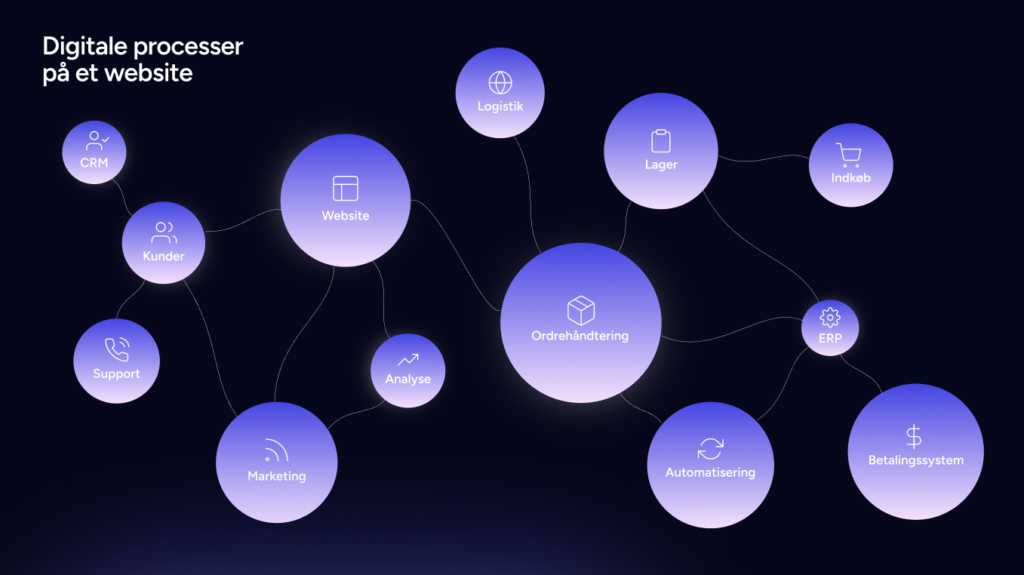
Integration with external systems
It is important for both the budget and the functionality of your website that you consider: which systems does it need to integrate with?
First and foremost, to ensure you do not lose integrations you already have on the existing site. But you can also do it to take the new website to heights the previous one did not reach.
- Should it integrate with your CRM system so your leads automatically end up in the system the sales team uses to manage leads?
- Should it integrate with your intranet so it can automatically pull news or employee information into the website?
- Should it integrate with your HR system so job postings are automatically published and maintained on the website?
Or something else entirely.
Note: You can eliminate a lot of administrative work through integrations, but it comes with an implementation cost.
Phasing the project
Once you start working through all these considerations, you will quickly find that your wishes or needs exceed either the budget or the deadline and that is only positive; it means you have a roadmap with new development opportunities.
So if you are in a situation where you need to get a new website up and running within your budget and deadline, start by defining which features and requirements are “need to have” and which are “nice to have”, and then consider postponing the latter to a phase 2 after the new website is live.
This is also a healthy exercise, because your needs will undoubtedly change during a website project, as it is impossible to be 100% clear before you start.
So when you are on the other side of the website project, you can look at the task backlog for a potential phase 2 and assess whether those tasks are still important to you—or whether something else has emerged that you want to prioritise first.