AI
27. June 2025
Free tool: Understand how Google AI Overviews think
Google does not think in one search. It thinks in 20. What it calls “Query Fan-Out” means, in practice, that your single search turns into a web of related searches. The kind that is meant to give you an answer you did not know you were looking for.

How the machine thinks (a free tool to visualise it)
If you think Google simply takes your search and gives you a straightforward answer, it is time to upgrade your understanding. Google’s new AI Overviews play a completely different game behind the scenes and it is quite the mind-bender.
Imagine you search for:
“sustainable marketing strategies”
Google then gets to work (without asking you) searching for everything from:
- “eco-friendly advertising methods”
- “how do you measure ROI on green marketing”
- “case studies on sustainable branding”
- “CO2 footprint in campaign budgets”
- “how do you position a green brand”
And no this is not a conspiracy theory. It is simply the machine’s way of trying to be smarter than you.
Try it yourself: A free tool to visualise Google’s “fan-out”
We have played around with the idea and built a small tool that simulates how Google (perhaps) thinks when you search. It is not rocket science – yet but it is a fun first step.
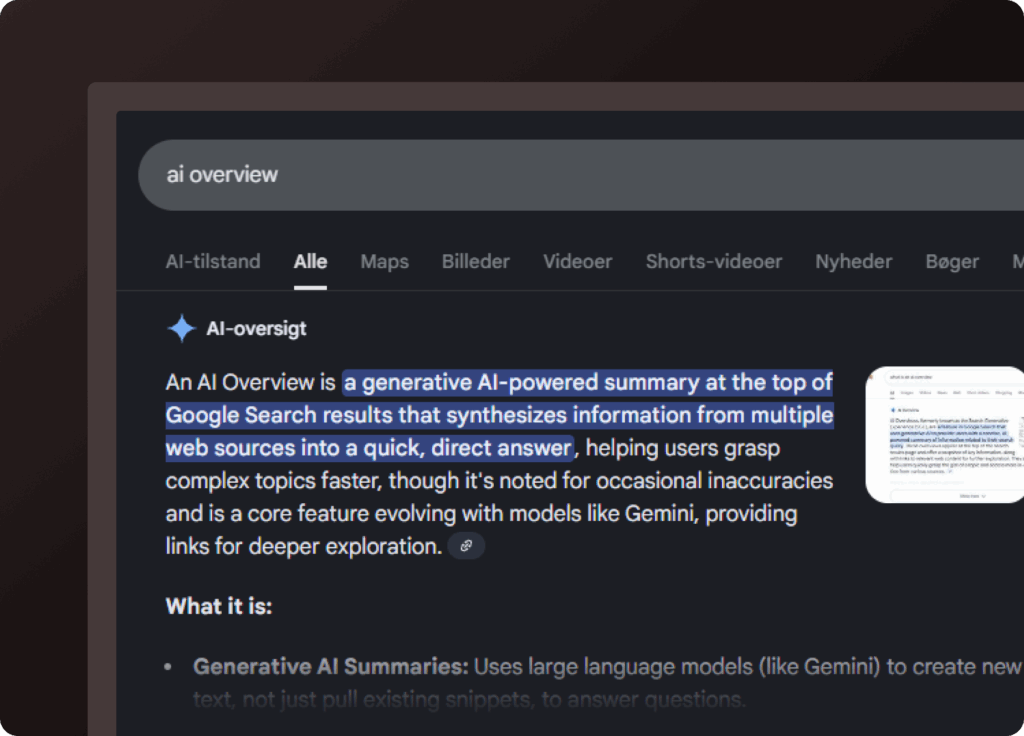
What does the tool do?
- You enter a search
For example: “marketing for climate-conscious consumers” - AI guesses Google’s next move
Using different AIs (from OpenAI, Gemini and Claude), we get them to “guess” which related searches Google might decide to run behind the scenes. - The searches are grouped into categories
So you get an idea of why Google is looking for those specific additional searches.
Examples of categories:
✅ Intent: “what is…” or “how do you…”
✅ Comparison: “best alternatives to…”
✅ Context: “for e-commerce”, “in 2025”
✅ Price/ROI: “what does it cost…”, “is it worth the money?” - Visualisation with confidence scores
Each suggested search is weighted between 0.1 and 1.0 (so you can see how confident the AIs are that it is relevant).
Everything is shown in a visual tree structure, so you can easily get an overview.
Can you use this for anything?
If you work with SEO, PPC or content, the answer is yes. Understanding how Google expands a search is key to writing better content, targeting your ads and, not least, creating something that actually matches the user’s intent – not just their choice of words.
This tool is still a prototype and is continuously updated. However, it is publicly available, free to use, and only requires you to add your own API key. It is handled locally – we store nothing.
So:
More nerd – less suit.
More value – less bullshit.
Check it out and play with it.