WordPress
27. August 2025
Our tips for a solid WordPress setup
For us, a solid WordPress setup is about having control over security, maintenance, and technical and marketing debt.If you do not keep track of these things, your site can quickly become a mix of slow, insecure, and impractical to work with. A WordPress solution is only as good as how you take care of it.
Content
1. Update 2. Use of plugins 3. Safety 4. Usage of the database 5. Image optimization 6. Internal linksWhat you can expect from this post
We sometimes find that the word “WordPress” can leave a bad taste in some people’s mouths, but when you dig into the reason, the problem was never that it was WordPress. The challenge was how it was coded from the start and how it was maintained.
That is why we have decided to gather our best tips here on how to keep your WordPress site healthy and future-proof.
We will cover:
- Updates
- Using plugins
- Security
- Database load
- Image optimisation
- Link structure
These tips are based on best practices that we, as a WordPress agency, use ourselves.
1. Updates
Keep the site well updated!
This applies both to the WordPress installation itself, as well as plugins and the server itself.
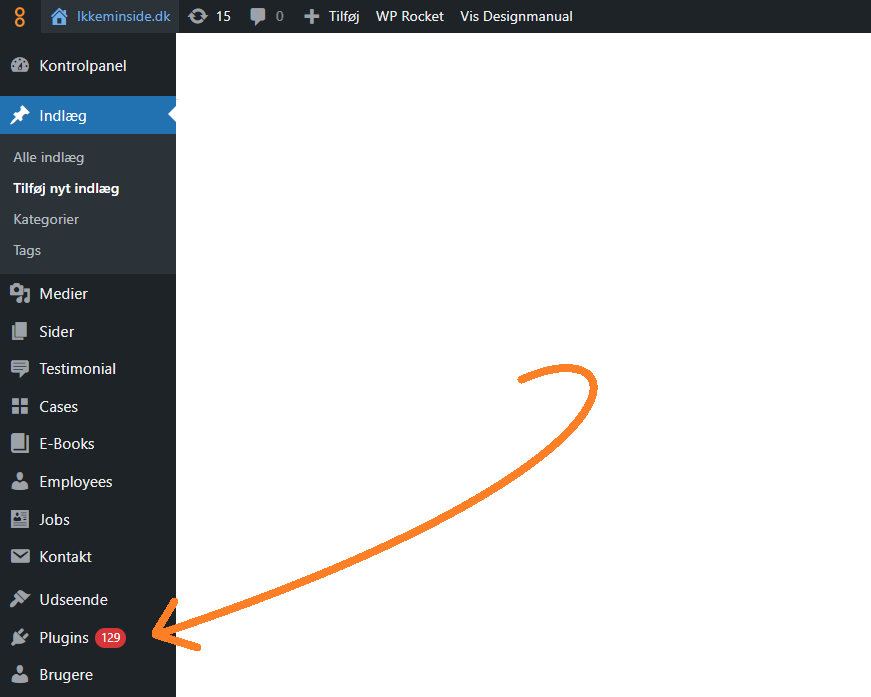
Also make sure the PHP version is updated to a supported version. You can check the latest supported version here.
If you do not, you risk one or more of the following:
| Security risks | Compatibility issues | Performance issues | Lack of support from hosting providers and developers |
|---|---|---|---|
| Older PHP versions do not receive security updates → hackers can exploit known vulnerabilities. | Plugins, themes, or libraries may stop working or cause errors. | Newer PHP versions are significantly faster and more resource-efficient than older ones. | Many hosting providers are phasing out older PHP versions entirely. |
| The risk of malware, data theft, or downtime increases. | An old version can slow down the site and lead to a poorer user experience. | It can be difficult or impossible to support your website if it runs on outdated versions. |
2. Avoid too many plugins
In general, you should be sceptical about which plugins you use, and how many. It is one of the biggest security, performance, and maintenance mistakes you can make in WordPress.
Read more here about how plugins can break your site.
You can always see when a plugin was last updated and how many people use it. This gives a pretty good idea of how stable the plugin is.
3. Think security first
First and foremost, be mature and sensible about your passwords.
- Use strong passwords (WordPress actually helps you assess strength) — no Password123.
- Make sure that ALL users on your site do the same.
- Many hacks happen because of simple passwords — and yes, suddenly your site is hosting a bitcoin miner. Not great.
In addition, you can build all kinds of security into your WordPress, such as:
- Set up two-factor authentication, so you need to know your password + have your mobile device in hand before you can log in.
- You can set up an IP restriction so that only approved IP addresses can access the backend. This also limits who has access.
4. Do not burden the database unnecessarily
If you are diligent about maintaining the content on your WordPress website and have edited your homepage 100 times, configure your WordPress installation so it does not store too many old versions of your pages.
If you do not, you may find that editing becomes slower (the backend is slow).
You can do this by limiting the number of revisions saved in wp-config.php.
Here you will find the line below, where you simply set the number of versions you consider realistic to keep (we recommend 10).
define( ‘WP_POST_REVISIONS’, 10 );
5. Optimise your images before uploading
Do not upload huge images directly from the camera. If your banner, for example, is displayed at a maximum width of 1200px, crop and compress the image to that before uploading.
Otherwise, you may end up with a site that loads like an old dial-up connection.
There are sensible plugins that automatically reduce file sizes, but we also recommend thinking about what you upload.
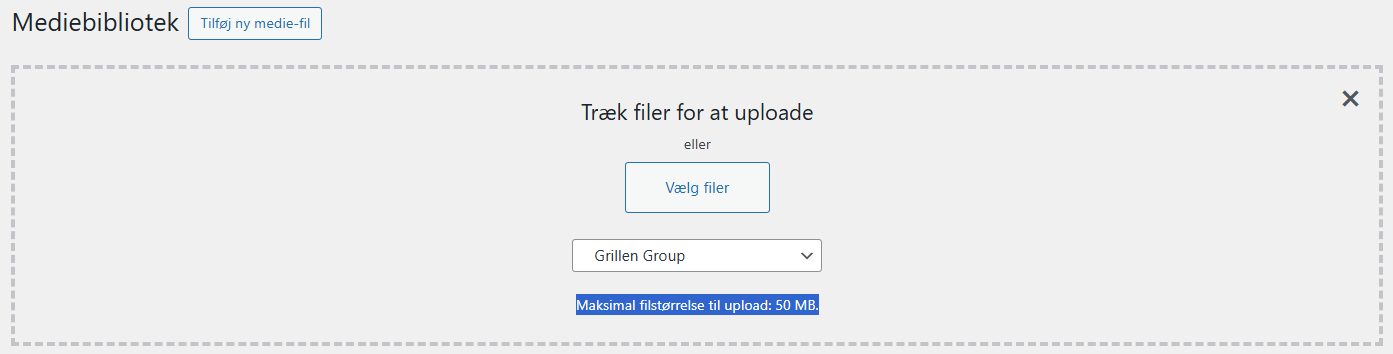
You can also set limits on how large files can be uploaded, so you do not risk things getting out of hand if many people have access to upload files.
6. Ensure a strong internal link structure
Do not have content pages that no other pages link to. This also applies to your news archive. It is important to have pagination here.
That way, search engines can find all your great content simply by visiting your website, helping people discover it online.
Ideally, you should be able to navigate from your homepage to all other pages using clicks alone.