WordPress
22. August 2025
User roles, restrictions, and gated content in customer portals in WordPress
A customer portal is more than a place to download invoices. With the right user roles, restrictions, and a bit of “gated content”, the portal can become a second home for your customers—a place where they get added value and where you can grow your aftermarket business.
Content
What is it? User roles in portals Thoughts on restrictions Gated content Inspiration on portals FAQWhat is a customer portal in WordPress?
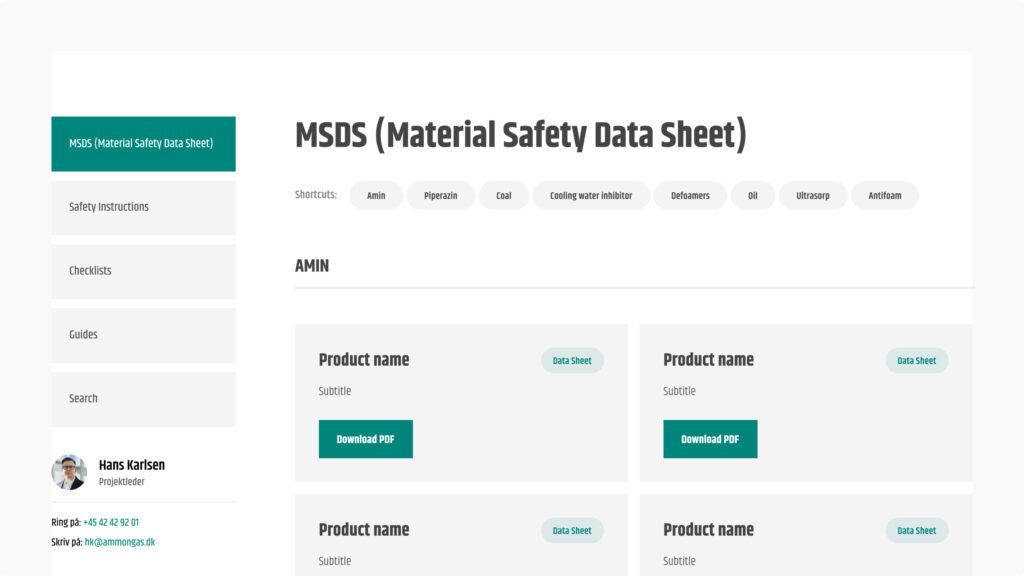
In short, a customer portal is a restricted area of your website where your customers can log in and access information, files, or features that are not public. This can be anything from invoices and project status to manuals, guides, or exclusive content.
In WordPress, a customer portal can be built on top of your existing website using user roles and access restrictions. This allows you to tailor the experience so each customer only sees what is relevant to them. For the customer, it feels like a personal entry point for you, it is a tool to gather all communication in one place and strengthen the relationship.
What are user roles in a customer portal—and why use them?
Imagine your customer portal as an open-plan office. Some have key cards to all meeting rooms, others can only access the canteen, and a few have access to the archive room with sensitive documents. That is exactly what user roles are about: who has access to what and why.
When you set up user roles, you avoid clutter, unintended mistakes, and customers seeing information they should not have. It creates peace of mind, structure, and a better experience for everyone.
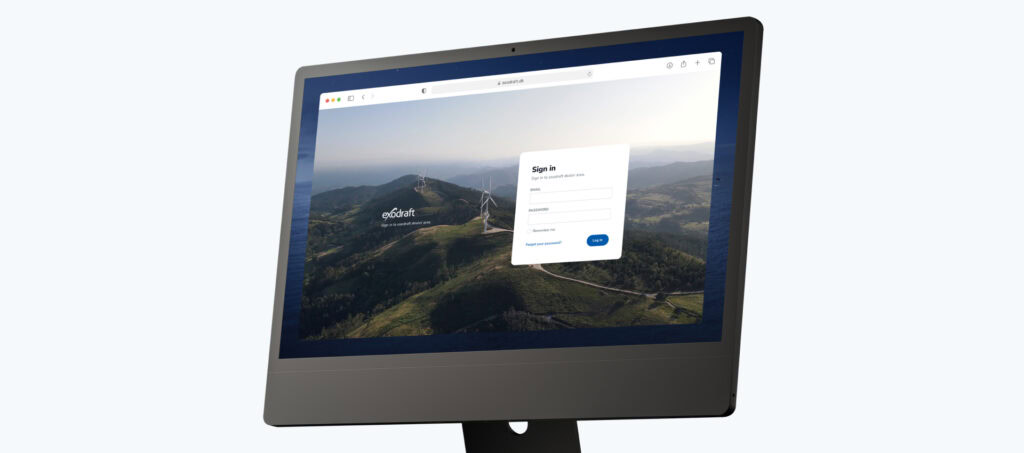
Examples of user roles in practice
User roles may sound technical, but it is essentially about tailoring the experience. Here are some use cases:
- Premium vs. basic customers
Premium customers get access to additional resources, webinars, or tools. - Customer vs. partner
Customers get access to invoices; partners get access to campaign materials. - Support access
Some users can create support tickets, while others can only read FAQs or guides. - Internal vs. external
Employees can see project documents; customers only see the files relevant to them.
What restrictions in a customer portal can do for you
When working with user roles, you can link them to restrictions. That means: Who can view, download, or do something specific?
Here is an overview to provide clarity:
| Restriction | What it means | The benefit for you | The benefit for the customer |
|---|---|---|---|
| Login required | Content is only visible after login | Data and content are protected | The customer feels secure and gets a personalised experience |
| Role-based access | Only certain roles can see certain pages | You control exactly who sees what | The customer does not waste time on irrelevant content |
| Download restrictions | Files are only visible to certain roles | You can share sensitive documents securely | The customer has one central place to find their items |
| Access to features | Certain features (e.g., support, booking) are only available to specific users | You can differentiate between customers | The customer experiences that the portal is tailored to them |
| Time-limited access | Content opens/closes at specific times | You can manage campaigns or time-based services | The customer gets something “exclusive” at the right time |
What do we mean by gated content?
At Morningtrain, we usually say: “Do not lock your content away.” Knowledge should be shared freely, because that puts it in front of more potential customers than trying to “snatch” someone’s email.
But in a customer portal, it is a slightly different conversation. Here, gated content can make a lot of sense, because you are providing added value to customers who have already chosen you. For example:
- User manuals that are only relevant to customers who have purchased a specific product.
- Resources that only make sense within your collaboration (e.g., project files, status reports).
- “Loyalty content” such as webinars, guides, or tools for returning customers.
So gated content is not a trick to generate leads it is a tool to give your customers more.
Inspiration: what can a customer portal be used for?
A customer portal can be much more than a place to download invoices. Here are some ideas for creating real value:
- Aftermarket service: manuals, spare parts lists, support hub.
- Customer communication: a central hub where the customer can see project status and find relevant documents.
- Loyalty hub: exclusive webinars, whitepapers, or courses for returning customers.
- Upselling and cross-selling: Spare parts, easy reordering, etc.
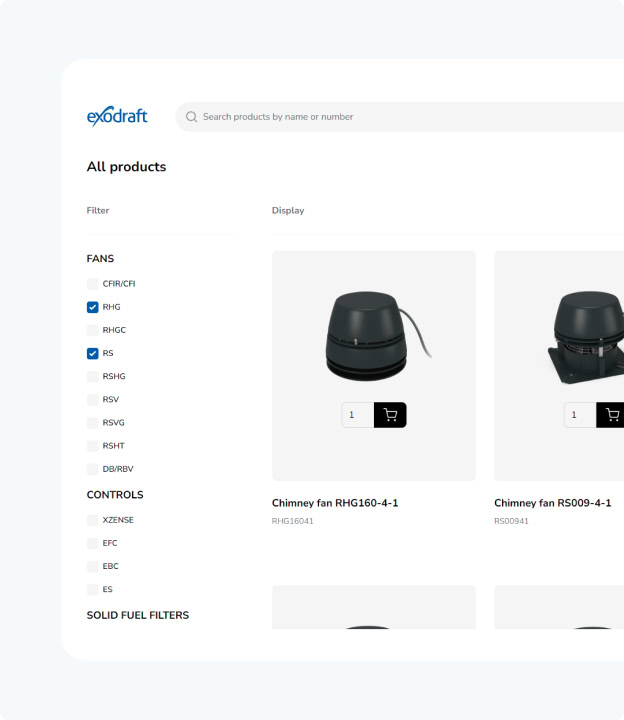
- Self-service: the ability to update information, download documents, or track cases.
- A sense of community: a forum or sparring space for customers in the same situation.
When it works, the customer portal feels like a “second home” for the customer a place where they quickly find what they need and feel taken care of.
FAQ
Is a customer portal only relevant for B2B?
Does it always require development from scratch?
Will it not be difficult for the customer?
Is it not just one more thing we have to maintain?