Digitalization
11. January 2023
What does ERP mean?
ERP is an abbreviation of ‘Enterprise Resource Planning’, which refers to a software platform that can manage and handle key parts of a company’s processes. ERP systems are most often used in companies that have some form of physical inventory, and where data and information must be handled across sales, inventory, purchasing, production, and much…
Content
What it is used for Why you should care Life without ERP Who should have an ERP How to choose one Pricing Comparison of ERPsWhat is an ERP system used for?
The purpose of using an ERP system is to provide the company with a centralised way to manage essential, critical and/or repetitive business logic.
Many refer to their ERP system as their “financial system” or “inventory management”, and the truth is that an ERP is both and much more.
Below are common tasks that an ERP system handles:
- Finance
- Inventory management
- Purchasing
- Production
- Sales
- Customer Service
- and HR
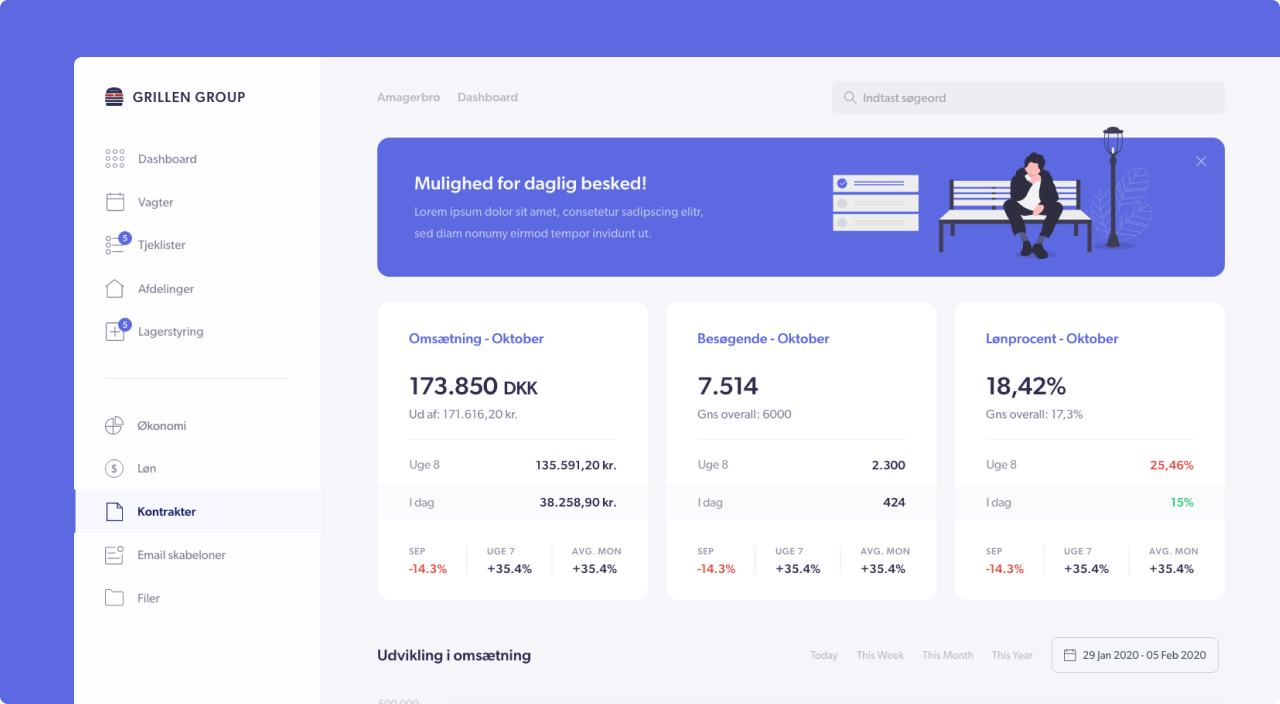
An ERP system is the central place from which you run your business. All business-critical information and data is stored and managed here, and then “simply” pulled into other systems that need to do something or present this data via, for example, integrations.
Hvad er forskellen på systemer (ERP, PIM, CRM)?
Vælg system nedenfor, og læs mere om, hvad de forskellige systemer er, og hvad de er gode til.
ERP
ERP is an abbreviation of ‘Enterprise Resource Planning’ and is a term for software platforms from which you manage and handle key parts of a company’s processes and resources, such as products, finance and order management.
ERP systems are most often used by companies where data and information must be handled across sales, inventory, purchasing, production, and much more.
Good for:
- Inventory management
- Financial management
- Order management processes
PIM
PIM is an abbreviation for ‘Product Information Management’, and as the name indicates, a PIM system is a central system where companies collect, organise and maintain all product information.
A PIM system is used to have one place where product information is maintained and distributed to other systems such as webshop, apps, catalogues, etc.
Good for:
- Managing product information
- Distributing product information to external systems
- Reducing marketing debt by maintaining product information
CRM
CRM is an abbreviation for “Customer Relationship Management”. CRM systems are therefore systems from which you manage all information about your customers, such as documents, dialogues, history, and information about the customers.
The purpose of a CRM system is to help companies understand their customers better and improve customer satisfaction, thereby increasing revenue by building a larger and more loyal customer base founded on long-term customer relationships.
Good for:
- Consolidation of customer data
- Systematically working with and managing existing and potential customers
- Increasing sales (share of wallet) to existing customers
And why should I care?
Yes—at some point you will need to streamline your business, and there will come a time when you will not be competitive if you have to manage all processes manually.
If you want a scalable business, at some point you will need to automate parts of it—most importantly, all tasks that are repetitive or where too many human errors occur.
Read more about the pros and cons of having an ERP system here.
Your scaling is significantly limited without
Note: If a company is to scale significantly in size, there is NO getting around the fact that business-critical logic and data must be stored and processed in one place (one source of truth) in other words, you implement an ERP or, at the very least, Business Central.
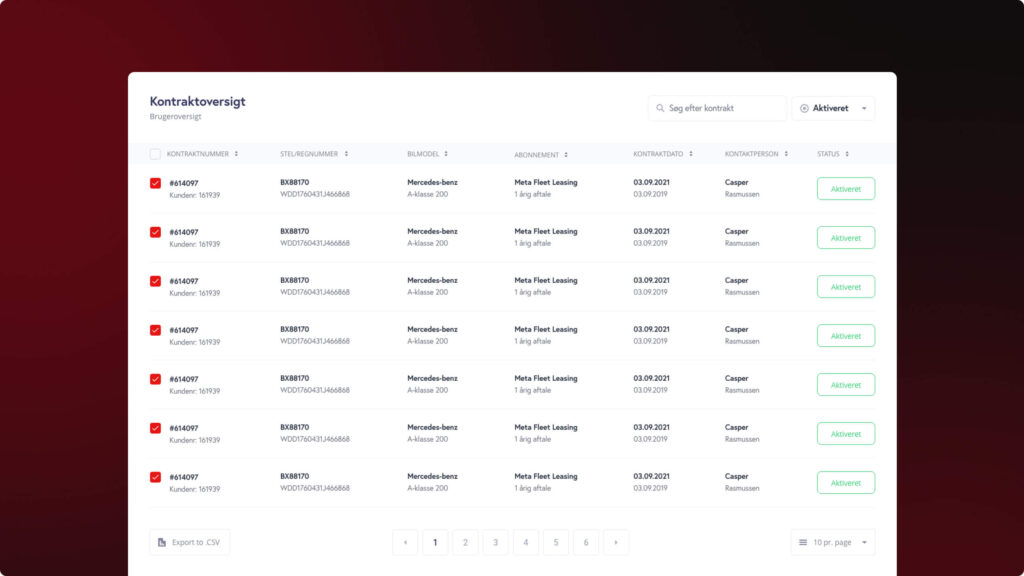
Challenges you will run into without an ERP system
The challenge is that if you do not have a system (ERP or BC), the following happens as you grow:
| Challenge | Consequence |
|---|---|
| Data must be processed and maintained in many places (website, shop, finance, etc.) | This leads to many errors, and a LOT of time is spent updating information = marketing debt |
| Every time you change webshop, you have to pay to rebuild your business logic all over again. | If you build, for example, inventory handling directly into your webshop solution, you will have to rebuild that business logic the day you want a new webshop—instead of being free to change shop without touching your business-critical IT infrastructure. Read: It is expensive and leads to many errors and risks. |
| It becomes difficult to automate tasks because data and control are spread across many places. | When you want to automate something for example, handling picking, reordering more items at a given stock level, etc. it becomes complicated to build the automation because it is not transparent which systems solve which tasks. |
Who should use an ERP system?
Any company that needs to manage and integrate its business processes can benefit greatly from using an ERP system.
However, it is particularly useful for large companies with many departments, a large product portfolio, or complex processes. But smaller companies should not underestimate the value of getting an ERP system if nothing else, a simple one to start with.
If you are unsure whether an ERP system would be beneficial for your company, you may consider speaking with an ERP vendor or a consultant who can help you.
How do I choose an ERP system?
You need to make some thorough considerations about your business and its future. I have tried to boil it down to 5 points.
1 – What would create value for your company
You should start with a commercial mindset about which parts of your business would create the most value if they were digitised, and then consider starting with a solution that can meet that need.
2 – The scalability of the system
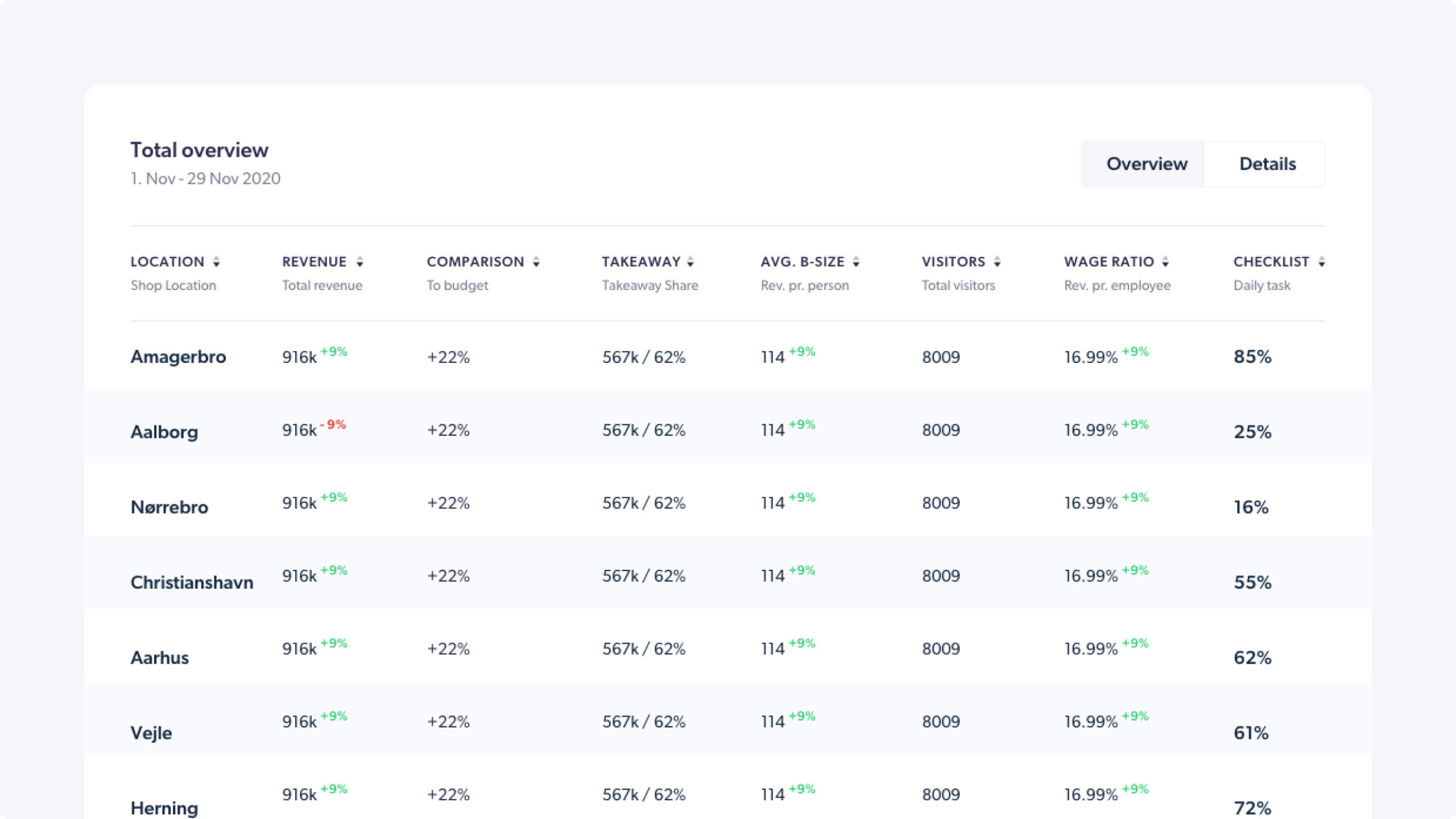
And now I almost contradict myself. But make sure to also look a bit into the future, assess where you are heading, and factor that into your choice of ERP system. Above all, look at how scalable the solution you choose is.
This could, for example, be the system’s integration capabilities, which is a good measure of how scalable the solution is can it communicate with other systems.
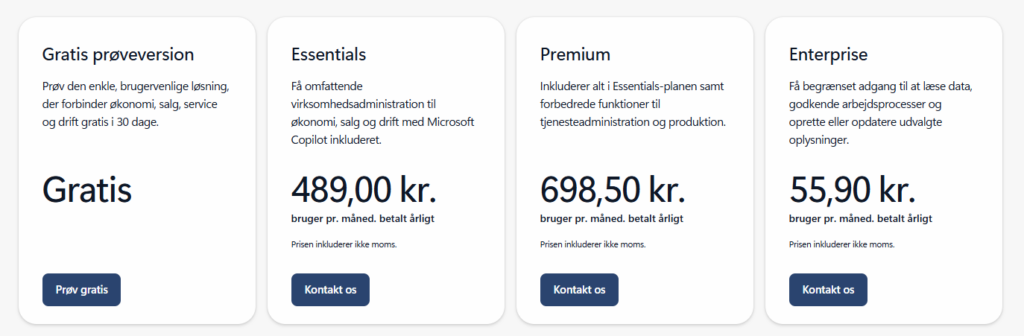
3 – The price and pricing structure
You cannot avoid consulting your budget. But compare prices from different ERP vendors and look at which solution gives you the most of the features you need for the price. At the same time, remember that part of the price is in implementation or operations.
In other words, “when” will you pay for the solution when it needs to be built and set up, or through ongoing maintenance and development.
4 – The vendor’s support options
I cannot say it enough. I meet FAR too many companies with ERP systems where they cannot get hold of anyone, and it takes 30–90 days before their issues are answered/resolved.
It is quite important that you have access to support in an ERP system, as it is a system from which you run many of your business-critical processes.
5 – The usability of the system
Usability is of course subjective, and therefore you should not choose a system that you have not had the opportunity to get a demo of, so you can get a feel for how the system is administered.
What does an ERP system cost?
Unfortunately, I cannot give a serious answer to that, as the price range is too wide and depends on 10,000 things.
With ERP systems, as with so many other software solutions, it is the features, integrations and service level that determine the price. So you will hardly find a good and cheap solution those two words do not go together when choosing an ERP system. Moreover, it is your central business tool, so you should not approach it with a “how cheap can I get it” mentality.
My guess is that the investment in an ERP system costs around DKK 300,000 to DKK 4,000,000 in year 1, including:
- Software licences
- Setup
- Payroll costs for onboarding
- Consultant hours
- Integrations with external systems
Comparison of ERP systems
| Solution | Starting from* | Features | Cons | Best for |
|---|---|---|---|---|
| Microsoft Dynamics 365 Business Central | From DKK 450 per user/month | SME ERP with finance, inventory, sales/purchasing, production (Premium), AI/Copilot, large app ecosystem | Production requires Premium; often partner/customisation; licences + add-ons can add up | SMEs (10–300 employees), trade/distribution, projects, light manufacturing |
| Uniconta | From approx. DKK 249/month incl. 1 user (additional user from DKK 249) | Nordic cloud ERP: finance, inventory, projects, production, banking, open API | Modular (several small add-ons); simpler reporting/BI; best for standard processes | Smaller SMEs and associations, Danish/Nordic setup, fast implementation |
| Zenegy Numbers | From DKK 249/month | All-in-one: finance, invoicing, expenses, banking, payroll integration, mobile-friendly | Limited advanced inventory/ production/ group; smaller ecosystem | Micro and small businesses in Denmark, simple solution with payroll/finance |
| Visma.net ERP | From approx. DKK 1,785 per user/month | Cloud ERP for the Nordics; strong finance, purchasing/sales, inventory, automation, projects | List prices indicative via partners; deeper production requires add-ons | Mid-sized companies in the Nordics, especially trade/distribution, project/subscription |
| SAP S/4HANA Cloud | From DKK 1,150 per user/month | Tier-1 ERP; global localisation; advanced finance/SCM; compliance & best-practice processes | Less flexible outside standard; high implementation cost | Mid-sized to large international companies with complex requirements |
| Oracle Fusion Cloud ERP | From DKK 1,150 per user/month (depending on module) | Full suite (finance, SCM, projects); strong reporting/analytics; enterprise scalability | Complex pricing per module; requires a partner and a larger budget | Large companies/groups with global operations and strict reporting requirements |
| Odoo | From DKK 150 per user/month (one app often free) | 100+ modules, modern UI, quick start, broad functionality at a low price | Advanced needs require many apps/ customisation; varying partner quality | Startups and SMEs that want to grow modularly and keep licence costs down |
| Xledger | From approx. DKK 4,800/month + users (indicative) | Cloud ERP with strong finance, automation, multi-entity/ group, project management | Pricing via quote; smaller app ecosystem than SAP/Oracle/ MS and fewer partners | Growing SMEs/upper mid-market, multi-company, NGOs/project organisations |
*Prices are indicative (list prices/estimates) and excl. implementation, third-party apps, discounts and local partner agreements.