

Lead generation
10. November 2025
An effective method to get more leads for your sales team in just 3 months
Read about the fastest way to provide your sales team with more leads to work on. The method is to integrate LeadInfo with your website and your CRM, and set up some rules for what should be sent where. The method is only relevant if you already have traffic on the website.

Content
The method Disclaimer Specific strategy Integration of systems Click guide Alternative strategyIntegrating LeadInfo with your website and CRM
The method is simple by nature: to qualify your outbound sales and, if relevant, meeting booking. You will not get more direct enquiries tomorrow, but you will get data on which companies are visiting your website. Sales can then reach out to those who have shown interesting behaviour.
But let me make it crystal clear there is no effort that can deliver results faster, if you are a B2B company where a lead can potentially be worth a lot of money.
Step-by-step guide to the strategy:
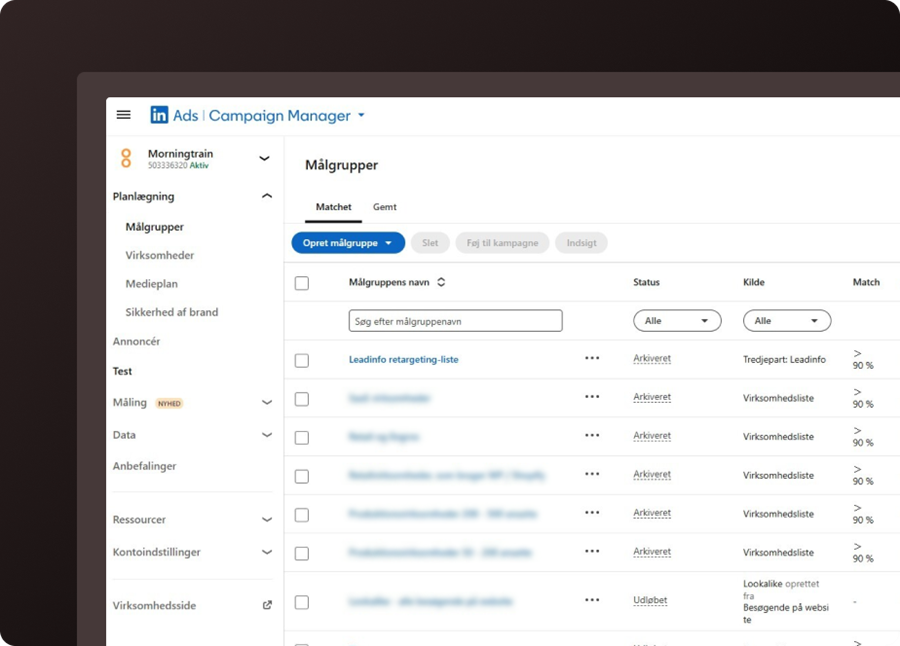
- You need to have integrated LeadInfo with your website, so you can see which companies are visiting your website. If you do not know what LeadInfo is, read this post.
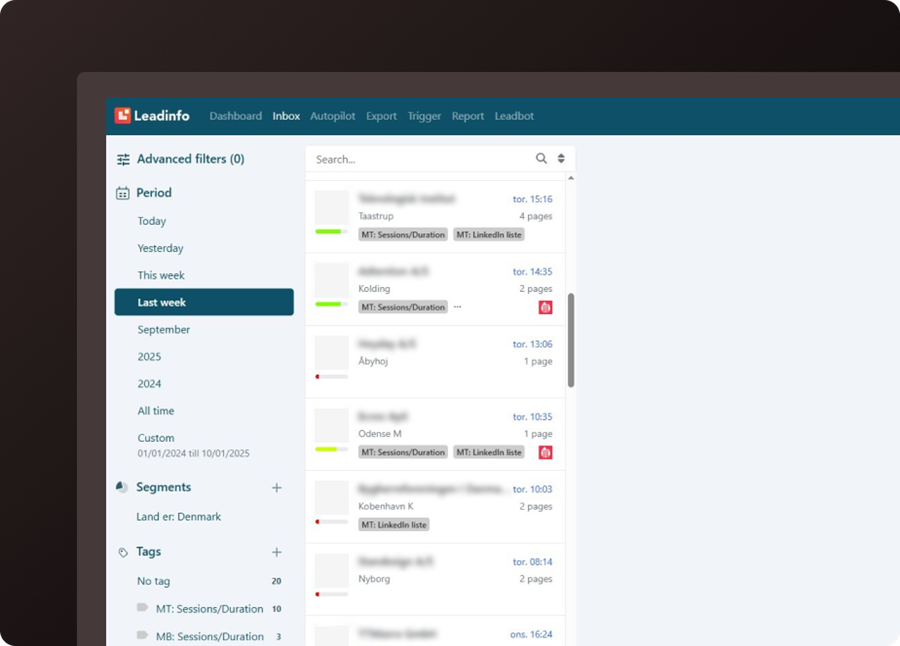
- LeadInfo only becomes truly valuable once you have set up some rules for: “what must a company have done before a salesperson is notified.”
- Integrate it with your CRM, so the visitors who have shown the behaviour you defined in your rules are pushed over as a lead in your CRM, so sales can handle it.
- Go to LinkedIn Sales Navigator and find a stakeholder from the company who can be your way in or someone we can reasonably assume is connected to the behaviour.
- Upskill sales to handle these lukewarm leads. Do you say you found them via a “digital gossip” tool, or do you pretend it was a funny coincidence.
Disclaimer
This post is only relevant for companies that work with leads where the average customer is worth more than DKK 25,000 each, you have a professional sales organisation (you have SALESPEOPLE), and you have more than 1,000 website visitors per month.
Concrete idea for a lead generation strategy
Once you have integrated LeadInfo with the website and CRM, you have a data platform where we ensure that interested leads land with the sales team for follow-up.
From here, it is about qualifying those leads further. I have the following ideas for that:
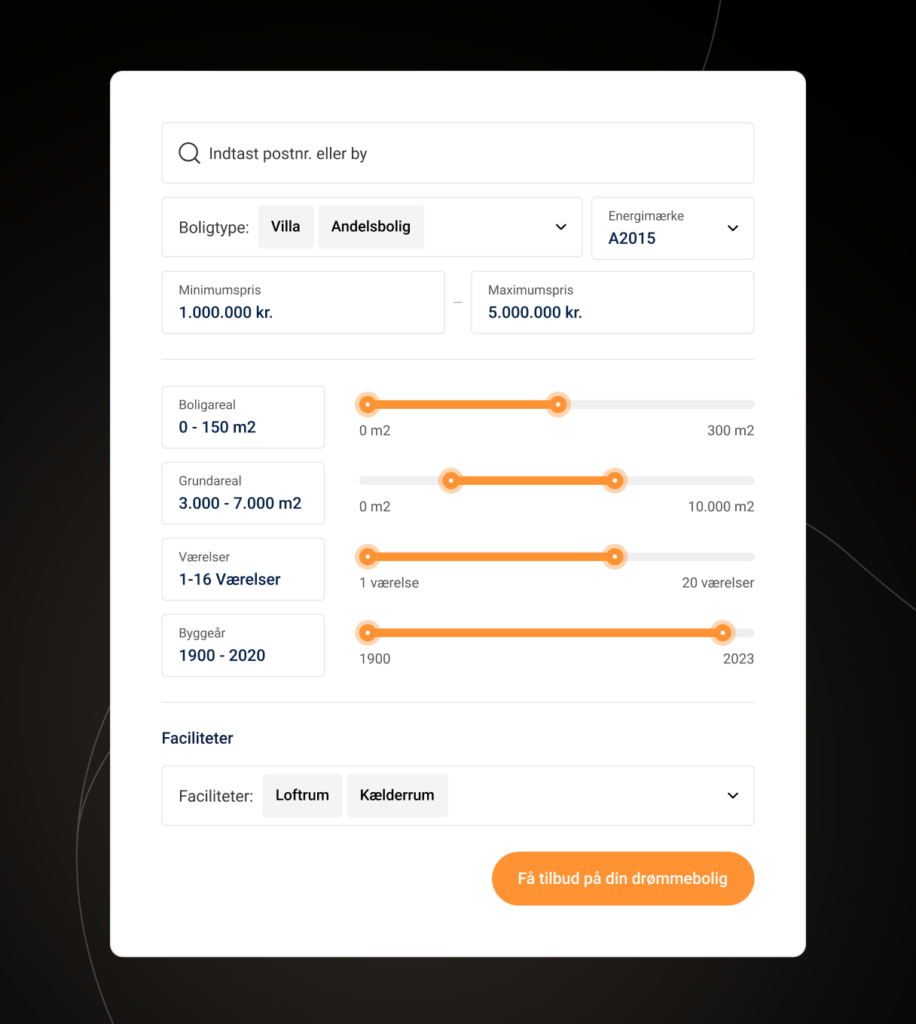
1) Offer your website visitors other “hooks” than just being able to get in touch.
Do you have material that can be downloaded ungated, can they get a demo, do you have a price calculator, videos, or other things to interact with. All of this will be visible in LeadInfo and are signals that they are more interested than others.
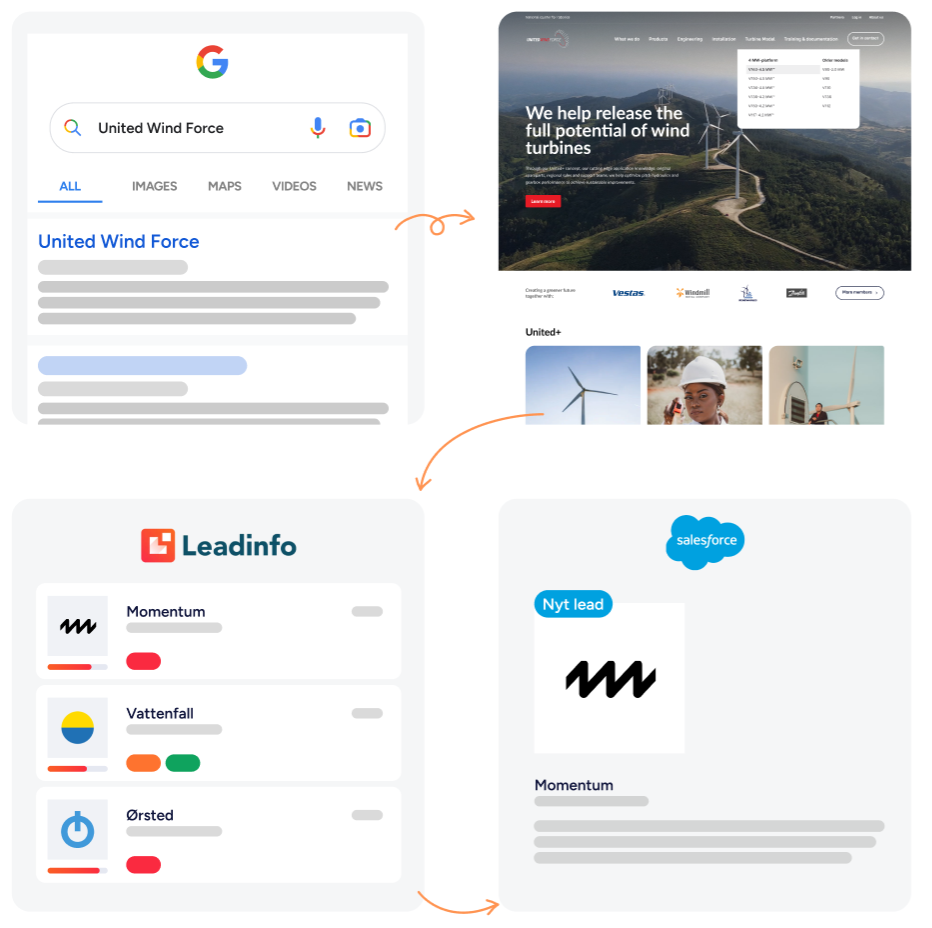
2) You can also create hyper-relevant articles for your blog, where you write about a problem that only relevant customers experience.
For example, a specific version of a software may be about to crash, or a competitor has recalled certain products, etc.
If you write an article about this, you will almost certainly show up in Google, because it is so specific that very few will cover it. The people who reach these articles are people you KNOW are worth contacting (see the illustration below).
Both will bring you visitors where some get in touch – but many do not – so these must be handled elegantly by sales.
How to integrate LeadInfo with your systems
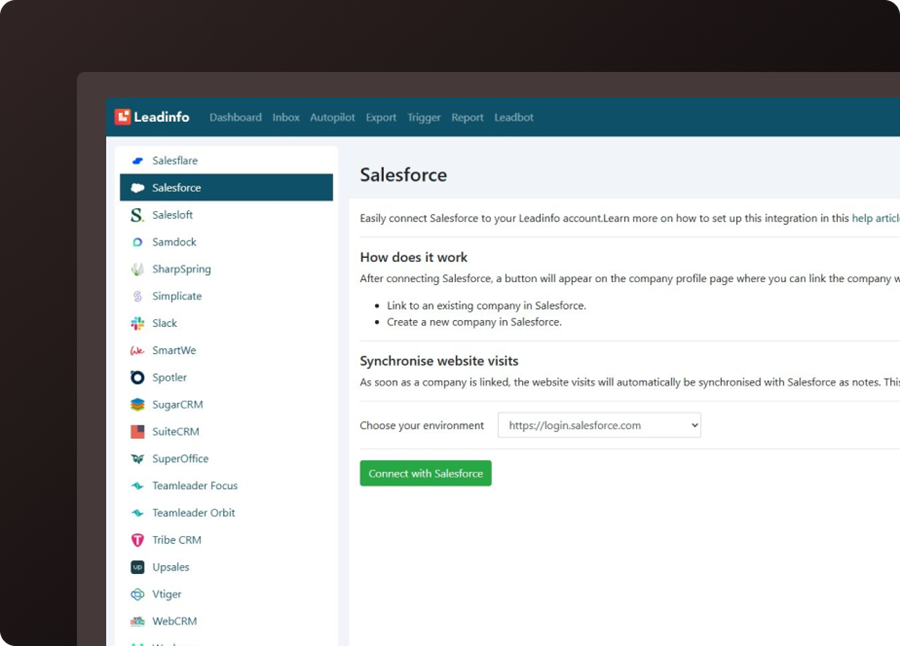
LeadInfo is already set up to integrate with many systems, and you can integrate directly from the platform.
When you log in to LeadInfo under settings, you will find a long list of CRM solutions, etc., that LeadInfo is already prepared to integrate with.
Click-through guide to integration
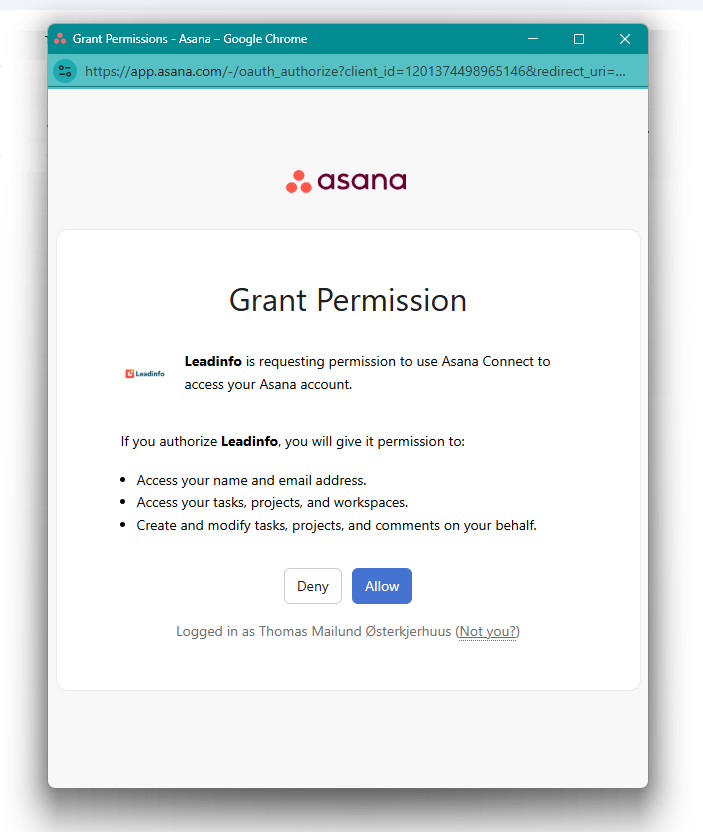
Our recommendation is to integrate LeadInfo with your CRM from within LeadInfo. The process differs for each system, but using the integration with the project management tool “Asana” as a starting point, you can see the click-through guide below.
And it is quite straightforward, and all systems follow roughly the same process.
- Create or log in to your LeadInfo account
- Go to LeadInfo’s integration overview
- Select “Asana” or click “Use a third party” (Zapier/Make)
- Create a new Asana project or select an existing project
- Create a dedicated Asana task section/board for leads
- Generate or find the API token in Asana (Settings → Developers)
- Copy the Asana API token to your clipboard
- Add the Asana connection in LeadInfo (paste the API token)
- Select trigger: When should a lead be created in Asana?
- Map LeadInfo fields to Asana fields (company name, visit URL, contact info, etc.)
- Set up tags, priority, and assignee in the Asana creation
- Configure conditions/filters (B2B only, min. number of page views, etc.)
- Activate the integration and grant permissions
- Run a manual test—send a test lead from LeadInfo
- Verify the created task in Asana and check field mapping
- Adjust mapping or filters based on the test results
- Set up notifications and automated workflows in Asana
- Monitor logs and lead flow for the first 14 days
Alternative marketing strategy
If you do not go with the sales-led strategy above, then plan B is to push all the information you have obtained from the setup above into marketing tools such as:
- Google Ads
- Meta
What you get out of it is that you can target your ads to people who are employed at the companies that have previously visited you.
Does it generate leads in the short term – no
But can it increase the number of leads you get over time – yes
Should everyone do it – uh, also a big yes
But you should combine it with having salespeople who actually want to work a lead. 😉