Lead generation
18. September 2025
Leadinfo: A must-have marketing tool for complex B2B companies
When we work with B2B lead generation, we swear by Leadinfo. Leadinfo is a tool that gives you insight into which companies visit your website and what their user journey looks like. It also enables you to market to these potential customers—or reach out to them.
What is Leadinfo – and why is it a game changer for B2B?
Leadinfo is a tool that helps B2B companies identify which companies visit their website – even if they never fill out a contact form. It works by recognizing IP addresses and matching them with a database of company information, giving you insight into who is showing interest in your content and how they interact with it.
For a B2B company, this means:
- More qualified leads: You can reach out to companies that have already shown interest but have not yet made contact. In other words, it upgrades your outbound prospecting efforts.
- Concrete sales insights: You can see which pages they visit and how long they remain active perfect for assessing purchase intent.
- Better marketing performance: The data can be connected to your CRM or marketing automation, allowing you to tailor your efforts and target more precisely. You can also export lists and import them into, for example, LinkedIn, so you can target the companies directly there.
In short: Leadinfo enables you to turn anonymous website visits into tangible sales opportunities.
We have no ownership stake or shares in Leadinfo – we just think it is great.
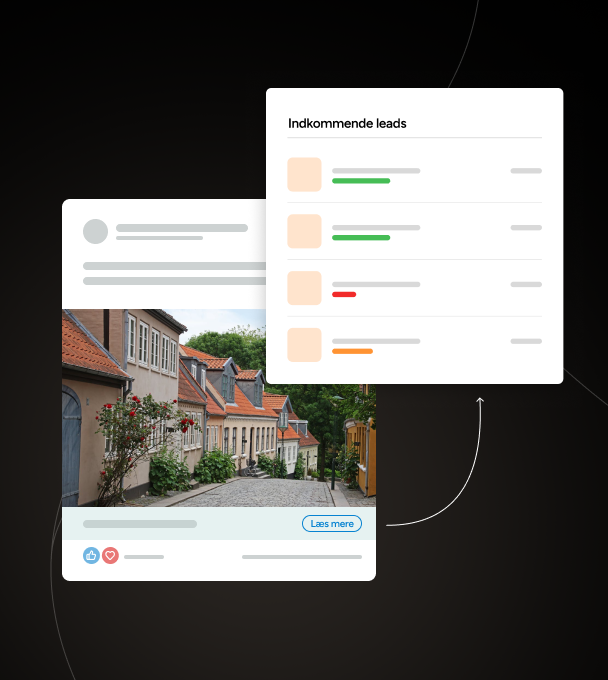
The most valuable features in Leadinfo
The features below are our favorites in Leadinfo. The tool can do more, and if you would like to learn more, we can give you a free demo or you can visit their website here.
1. See which channels drive the best leads
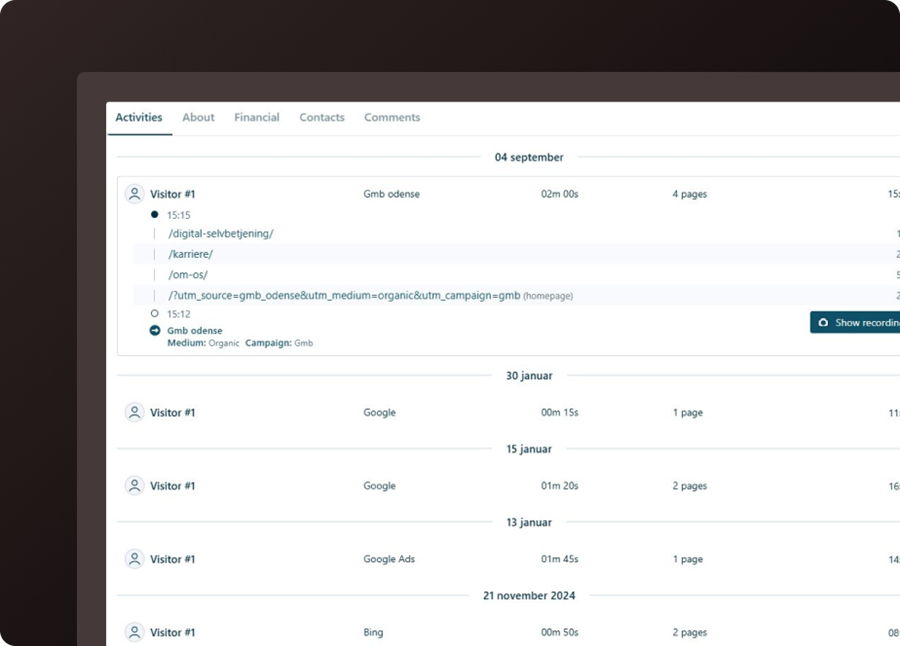
Leadinfo shows which channels (e.g., Google Ads, LinkedIn, or organic search) drive the most relevant companies to your website. You can then go back and adjust your efforts based on what generates the best leads.
In the example below, the company came from Google My Business and visited three different landing pages.
2. Use the insights to take control of sales
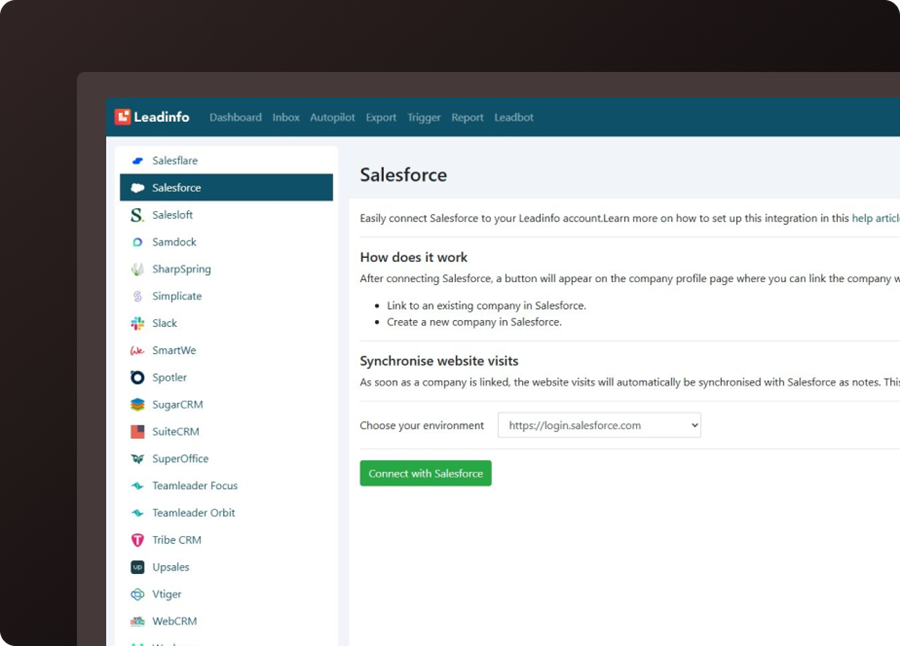
Leads can be sent directly into your CRM system, so the sales team can respond quickly. At the same time, you can see which companies visit your website and which specific pages they view.
This gives you a clear picture of which types of companies typically show interest and makes it possible to focus on those that match your ICP (Ideal Customer Profile). This way, marketing can prioritize the right initiatives, and sales can reach out to warm leads with a relevant approach.
We have had good experiences ourselves reaching out to decision-makers on LinkedIn based on this knowledge.
3. Spend time on the valuable leads
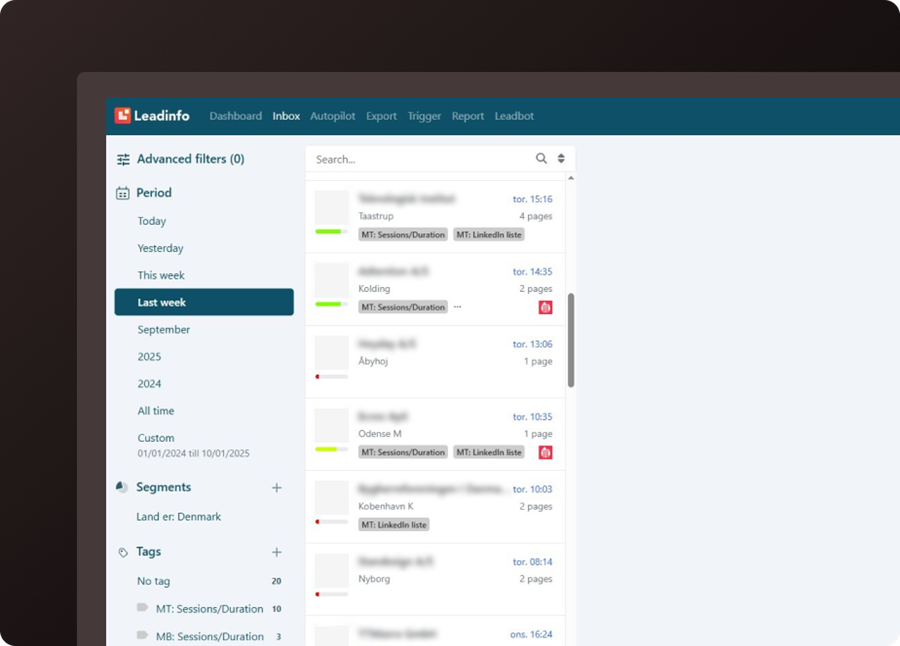
Leadinfo scores your leads based on the criteria you define yourself (including categorizing them into green, yellow, and red). You can filter and create lists of companies that match your target audience. For example, filter by:
- size
- industry
- location.
You can use the lists, among other things, to exclude irrelevant companies from your marketing efforts so your budget is used more effectively. They can also be used for targeted retargeting on, for example, LinkedIn (via the integration explained below).
4. Reactivate the most relevant companies
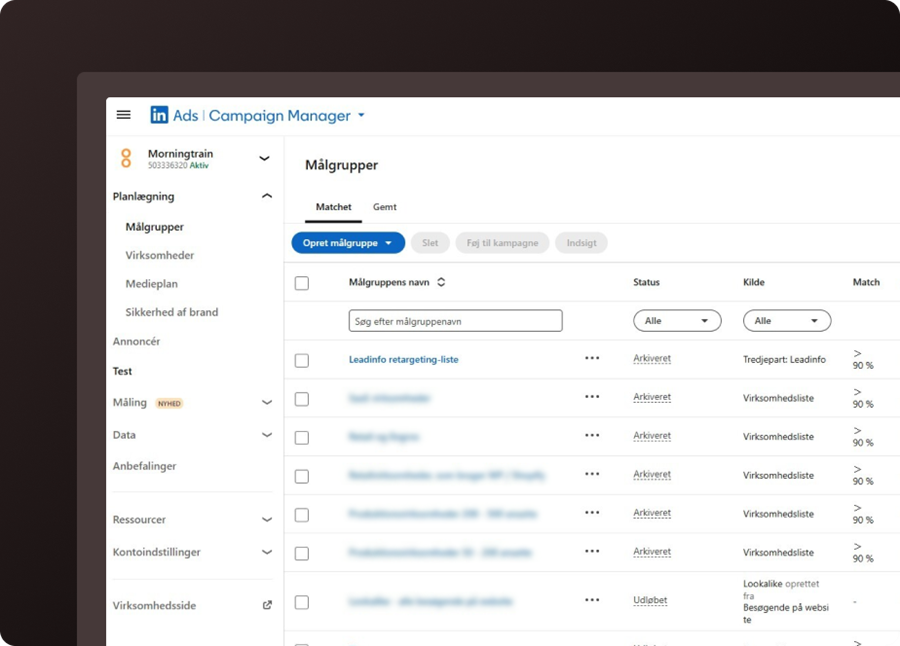
Once you have your lists, you can set up an automatic integration between Leadinfo and LinkedIn and use the lists directly in your LinkedIn Ads campaigns for retargeting.
The integration then ensures that audiences in LinkedIn are continuously updated automatically, so you always reach the most relevant and interested companies.
5. Get more out of your Google Ads budget
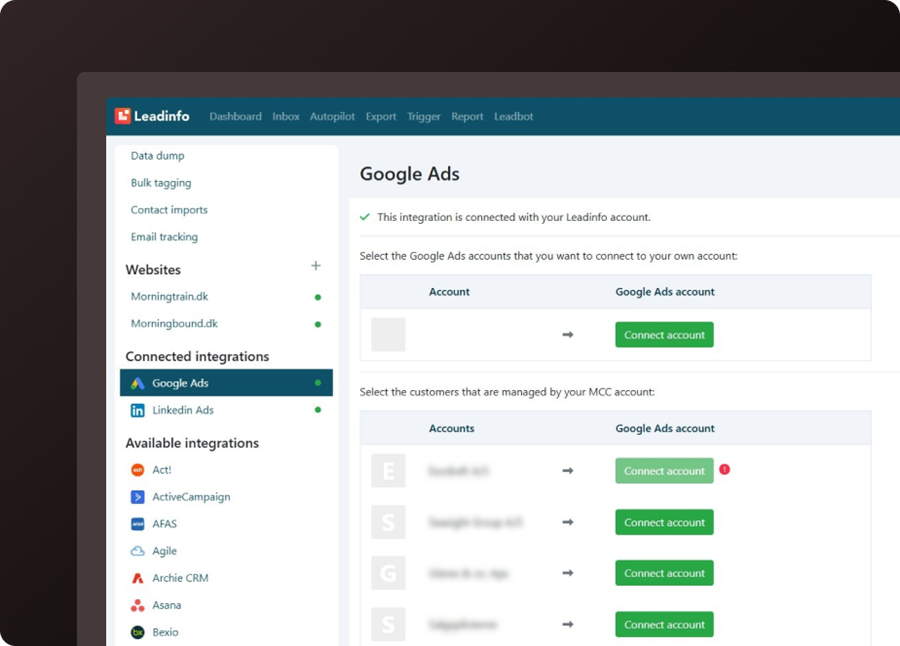
Google Ads can quickly become expensive if your ads are too broad. With Leadinfo, you can see which companies click on your ads and which keywords they came in on.
This gives you a clear indication of which keywords attract relevant companies and which simply generate irrelevant clicks. That way, you can cut waste and focus your budget on the keywords that actually drive quality leads.
How much does Leadinfo cost?
Leadinfo’s pricing is based on how many unique companies are identified over the course of a month.
They offer a free 14-day trial, where the number of identified companies determines which pricing tier you are placed in.
Most of our customers end up on the “Scale” plan, which costs DKK 1,560/month with monthly billing and DKK 1,187/month with annual billing.
We also offer to set up Leadinfo for you, including an introductory workshop where you are trained in the system, for a total of DKK 4,000 by the undersigned (Simon H).