Data insights
11. February 2022
What is Google Analytics?
Google Analytics is a free analytics tool for websites that generates data and statistics on user behaviour. It can provide you with insights into everything from who your visitors are, how they arrive on the website, which pages they visit, and much more.
Who can use Google Analytics
Google Analytics can be used by anyone who has a website and is interested in seeing how their site performs. It is especially used by advertising, media, and digital agencies to optimise their clients’ websites and campaigns. In everyday speech, Google Analytics is often shortened to GA or GA4, as are its sister tools Google Tag Manager and Google Ads, which are abbreviated as “GTM” and “Ads”, respectively.
Now, I hope I have not already lost you at the thought of boring statistics and numbers in rows and columns, because Google Analytics is more than a behavioural analytics tool, and if used correctly, it can become your very best weapon in online marketing.
What can Google Analytics be used for?
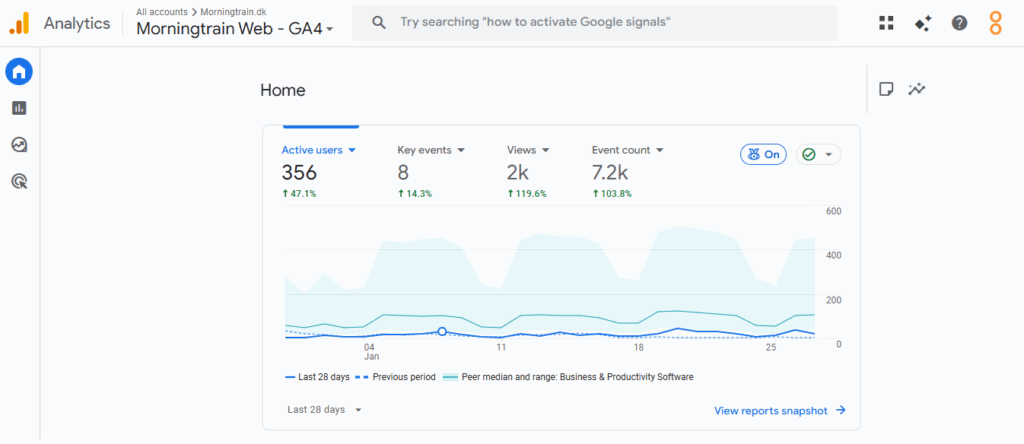
Google Analytics can be used to optimise your website and potentially increase sales; moreover, it can tell you how your marketing is performing and how visible you are.
GA is built around measurements and reports that provide insight into your data and help you get an overview of it. There are 3 reports in particular that are important to know: Acquisition, Engagement, and Monetisation. In the reports, you get answers to a wide range of questions based on concrete results derived from user behaviour. Below, you can see which questions you can get answers to.
Please note that this is not an exhaustive list:
- Who are your visitors? In terms of age, gender, city, and country.
- Which pages are visited the most?
- As well as which are the most effective and which need to be optimised.
- How much time do visitors spend on average on the website and on individual pages?
- Where do visitors come from? This is called “traffic” and shows which channels visitors use to enter your site—for example via Google’s search results, directly, or via social media.
- In addition, you can see which devices they use, e.g., mobile, desktop, or tablet. This can be relevant to know in terms of what your website should be optimised for.
- How many visitors return?
- How many conversions do you get?
- How do you get your current conversions?
- How long does it take from the first visit to a conversion?
With this information in hand, and knowledge of your visitors’ behaviour, you know what it takes to optimise your marketing and website to make it more effective.
Advantages and disadvantages of Google Analytics
Now you may be thinking: but where is all the fine print? With all analytics tools, there are both advantages and disadvantages to be found; we will start by looking at some of the advantages.
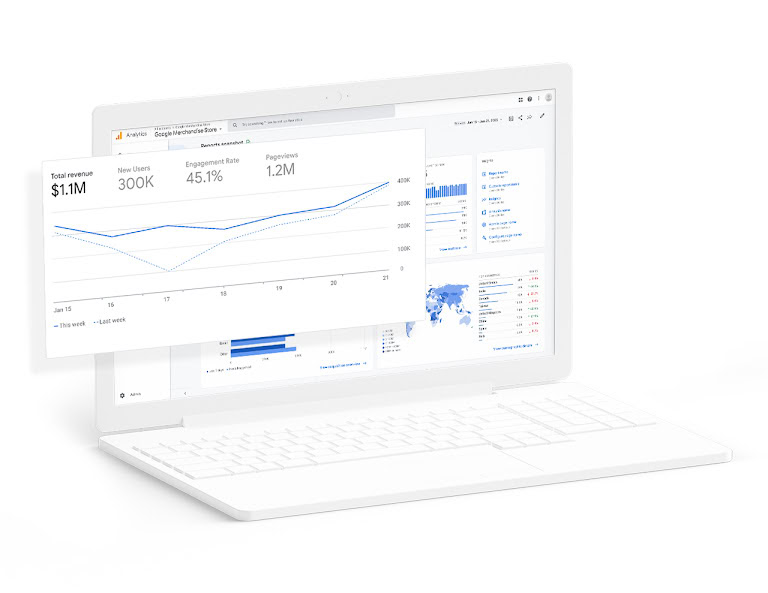
Google Analytics is free, so you never have to worry about receiving a bill after creating an account. It is easy to get started, and you can often set it up yourself without consultant support. By implementing the base code, you can establish a solid data foundation and start interpreting the data. Google Analytics is one of the most user-friendly tools in terms of interface.
In terms of disadvantages of Google Analytics, there are not many, but if, for example, you have a very complex site structure, you need a good understanding of coding to get good data out of the tool.
So, if you are curious about how your website and marketing are performing, it is simply a matter of getting started with Google Analytics.
Create your Google Analytics here: https://analytics.google.com/