Digitalization
1. December 2020
Do not let duplicate content kill your site
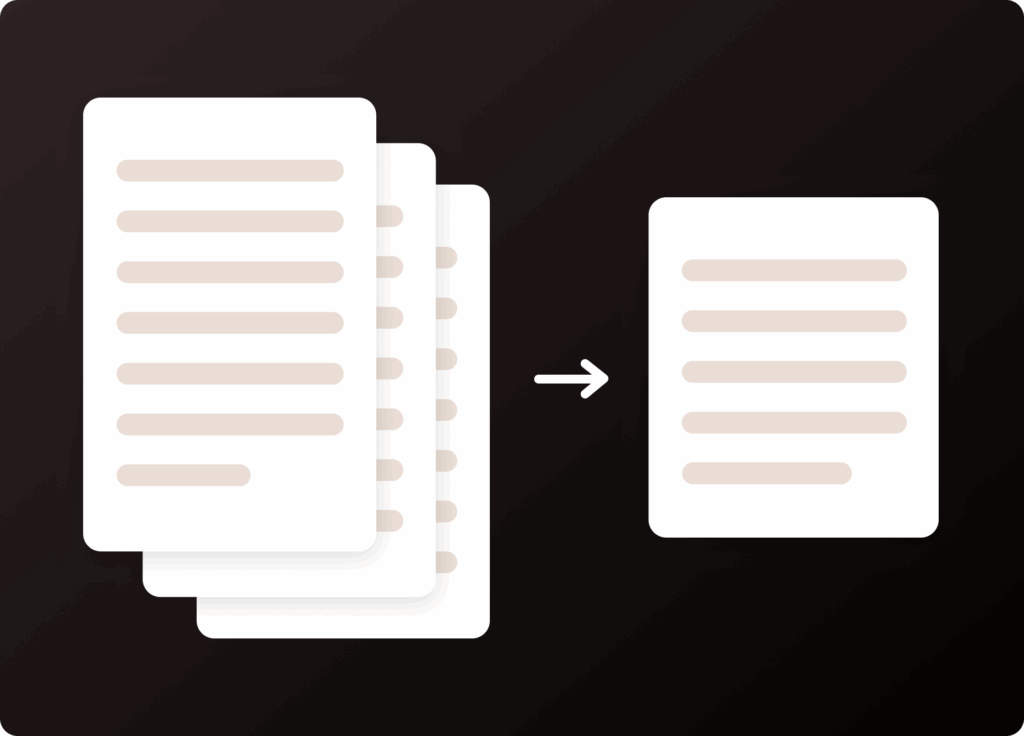
Duplicate content is a major culprit on larger websites. This is especially true for webshops, where there is often content that is relevant on multiple pages. Duplicate content is, in itself, quite simple. Google wants the content to be unique on each of your subpages.

Why is duplicate content bad?
Google has decided that duplicate content is a bad thing because it is a poor user experience to land on a site where all the content is more or less the same. This means that you are in no way helped to understand the website.
Just a quick outburst: You probably know the feeling of browsing around a webshop. You end up finding a couple of variants of a product that might be interesting, but wait… You struggle to see the differences and get an overview of the pros and cons of each product because the webshop has, somewhat unambitiously, chosen to reuse the same descriptions everywhere it seemed to make sense.
So you are left with four products that seemingly are exactly the same. But in the images the products look different, and the price range is wide too. Conclusion: You have no idea which variant to choose.
Nets has conducted a study showing that 14% leave a webshop due to a lack of relevant information. So it cannot be only yours truly who experiences this.
*back to the thread*
This poor user experience therefore underpins the idea that you must not have duplicate content on your website.
How severe is the penalty for duplicate content?
You are not explicitly “penalized” by Google for using duplicate content, but you risk losing a significant share of conversions.
When you use duplicate content, it is likely that your pages will not rank in Google at all, because no value is attributed to the content. And that is regardless of how many tags you add keywords to, or how many backlinks point back to the page.
In other words, you risk duplicate content slowing down the results of your overall SEO efforts… OUCH!
In addition, there is a high risk that Google indexes the wrong page for your keyword. Because if the same texts appear on several different pages, Google cannot know which one to choose to rank in the search results.
The problem really arose when Google decided to:
- Spend milliseconds on each website
- That a domain can only have one (or at most two) pages shown in a search result
So Google has milliseconds to identify the page that is relevant for the keyword. What are the chances that Google guesses right on its own? If you are thinking that the chance is vanishingly small – yes, you have hit the nail on the head, dear reader.

How to avoid duplicate content
Technically, the simple solution is to ensure that each page’s content is at least 70% unique. Put another way: 30% of the content may be reused.
But this solution certainly does not work for webshops with thousands of products and product variants.
On such pages, you will find that some texts are simply the same for example, when each product page describes the same shipping terms, return policy, or similar. Rewriting that type of content thousands of times is a rather uninteresting task.
Instead, we have some technical tricks that help you, your copywriter, and Google.
We will cover the following:
- Multiple versions of your domain
- 301 redirects
- Canonical tags
- Noindex
Multiple versions of your domain
The really ugly (and unfortunately common) duplicate content mistake is having multiple versions of your website indexed. This happens if you have one or more of the versions below live at the same time.
- http://ditdomæne.dk
- https://ditdomæne.dk
- www vs. non-www
Here we recommend that you ask your web host to redirect all other versions of your website to the version you want to rank. My personal favorite is the non-www https version. Like this:
301 redirects
Duplicate content also often occurs if you create a new page with updated information about something you have covered before. When that is the case, you should make sure to set up 301 redirects to the page you want Google to index.
With a 301 redirect, users (and bots) will be directed to the correct version of the page they are trying to access.
With this method, you also ensure that you retain the value of all your backlinks, as their value is transferred from the original site to the new site you are redirecting traffic to.
Canonical tags
Rel=”canonical” is a tag you can use in a website’s code to tell Google that one page is related to another and which page dear Mr. Google Robot should index.
To explain this logic, let us take an example.
Let us imagine that we have a webshop that sells clothing for both men and women. The savvy marketer knows that it is always a good idea to aim to have product categories rank for keywords such as “beautiful summer dresses” not the individual product.
The reason is simple:
- It targets users who are searching for options (note that the keyword is plural)
- It accounts for the fact that there can be major differences in people’s perceptions of what “beautiful dresses” are. By presenting the user with your entire range, they can choose for themselves what is beautiful.
In our hypothetical webshop example, each product page in the summer dresses category includes a bit about shipping, returns, sales, and delivery terms. This text is repeated on the 211 other product pages with summer dresses.
Instead of creating 211 versions of the mandatory text, you use a rel=”canonical” tag on all product pages.
The tag looks as shown below. The highlighted link is the URL you want Google to prioritize in the search results.
So when Google visits the 211 product pages with summer dresses, Google will tolerate the pages’ duplicate content because of the information that all SEO value should be assigned to one specific page.
That way, Google does not care whether your product pages use the same content. In webshops, there is usually not much content, so percentage-wise it is completely normal for a lot of content to be duplicate. Therefore, it is a must for webshops to use canonical tags.
Noindex
The last maneuver you have up your sleeve is to insert a noindex tag in your robots.txt file.
This command tells Google that it may crawl the page but NOT rank it.
By using the tag “noindex, follow”, you signal that you are not hiding anything from Google. That is a good thing, because Google HATES it when we hide something from them. Which is funny, since we are dealing with a company that aaaalways plays with completely open cards itself. 😉
The format looks like this:
This tag allows Google to follow the page’s links and index other pages just not this specific page. So the page can still provide value to other subpages despite the noindex tag.
This solution is most often used to solve duplicate content problems that arise in connection with so-called pagination a term that covers situations where you switch between web pages without switching to a different URL. You probably know the phenomenon from blog pages with lots of content or from webshops that have a great many products.
Duplicate content – no more
If you take one concise conclusion away from this, let it be this:
Be careful not to take the easy way out when it comes to content.
Make an effort. Write your own content, and do not take too much inspiration from other pages. It harms your conversion rate, your SEO, and the entire user experience.
And if you have a large website with lots of mandatory text or other information that needs to appear in many places, you can always consider teaming up with a developer there is always a solution to the problem.
Now you are probably thinking you should quickly go and check whether you have everything “in order” when it comes to duplicate content. Put on your work clothes and get to it! 😊
Here you can read more about your on-page SEO efforts.